Support


Rockville
RDMS7
RDMS7
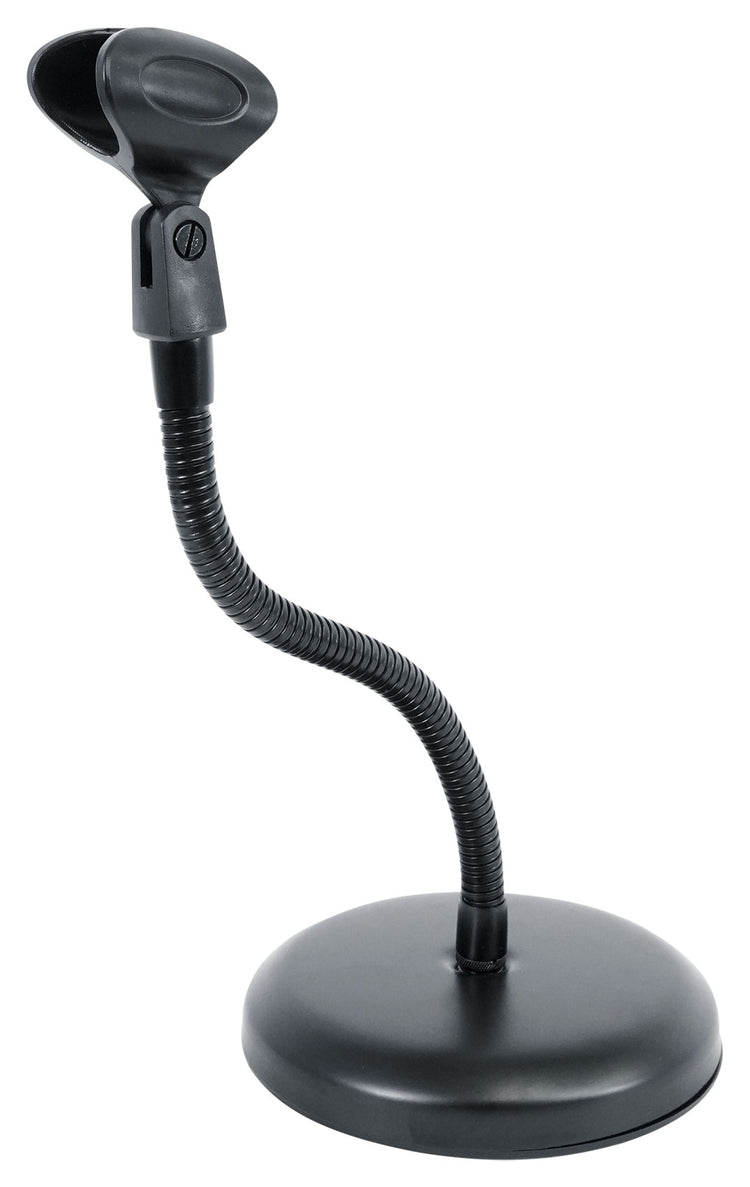
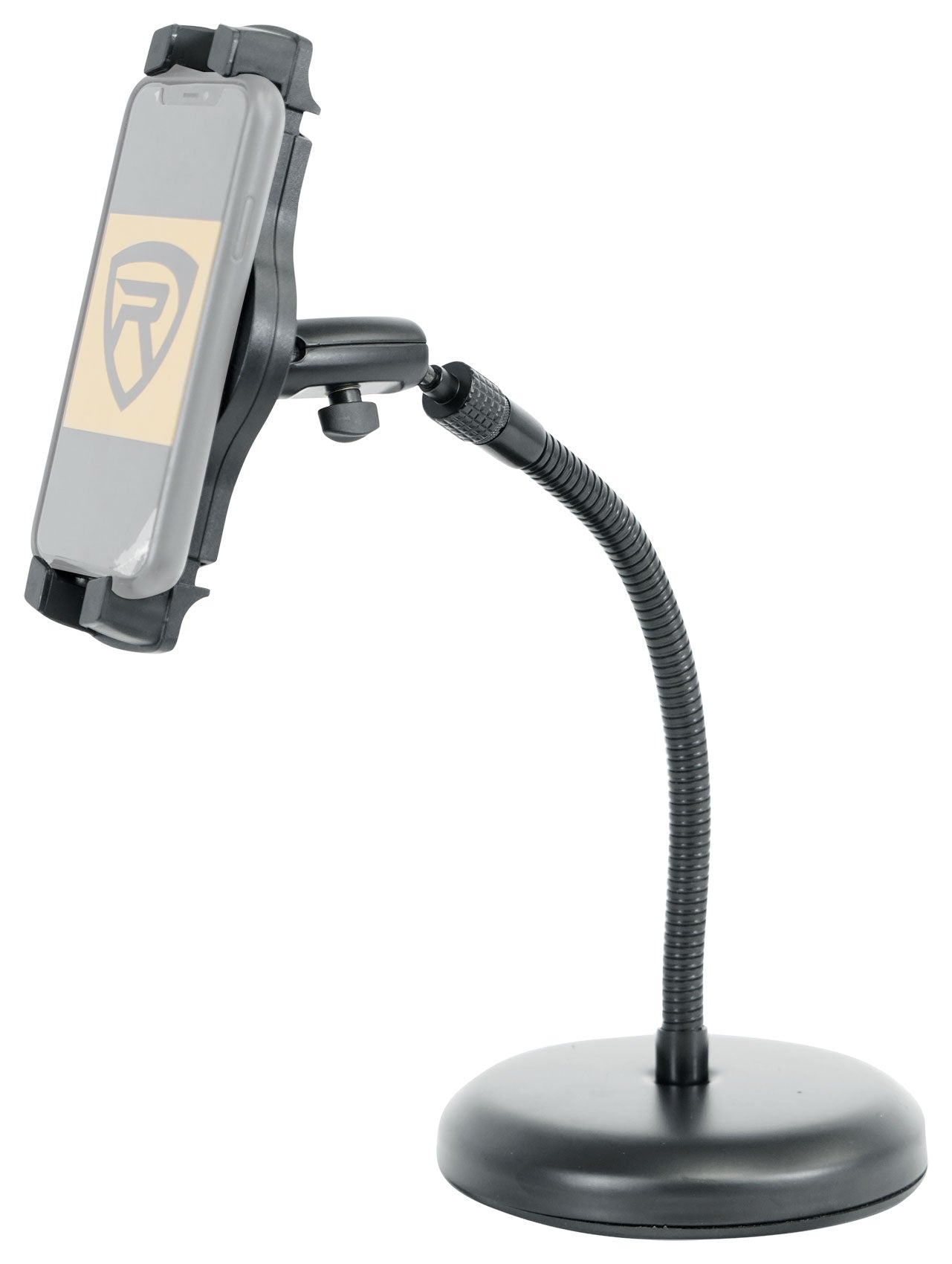
Desktop Mic/Webcam Stand, 11.8" Gooseneck
Regular price
$26.95
Sale price
$26.95
Regular price
$0.00
Unit price
per
Features
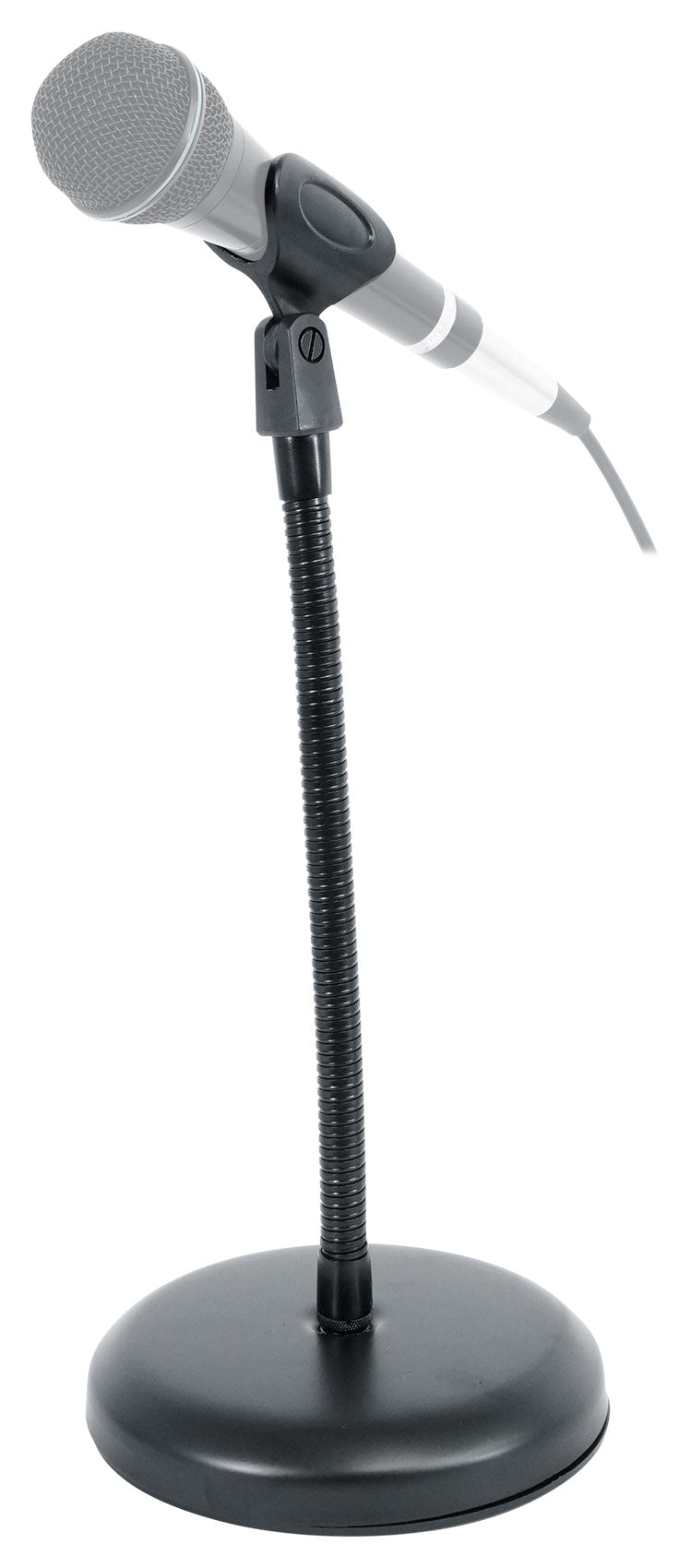
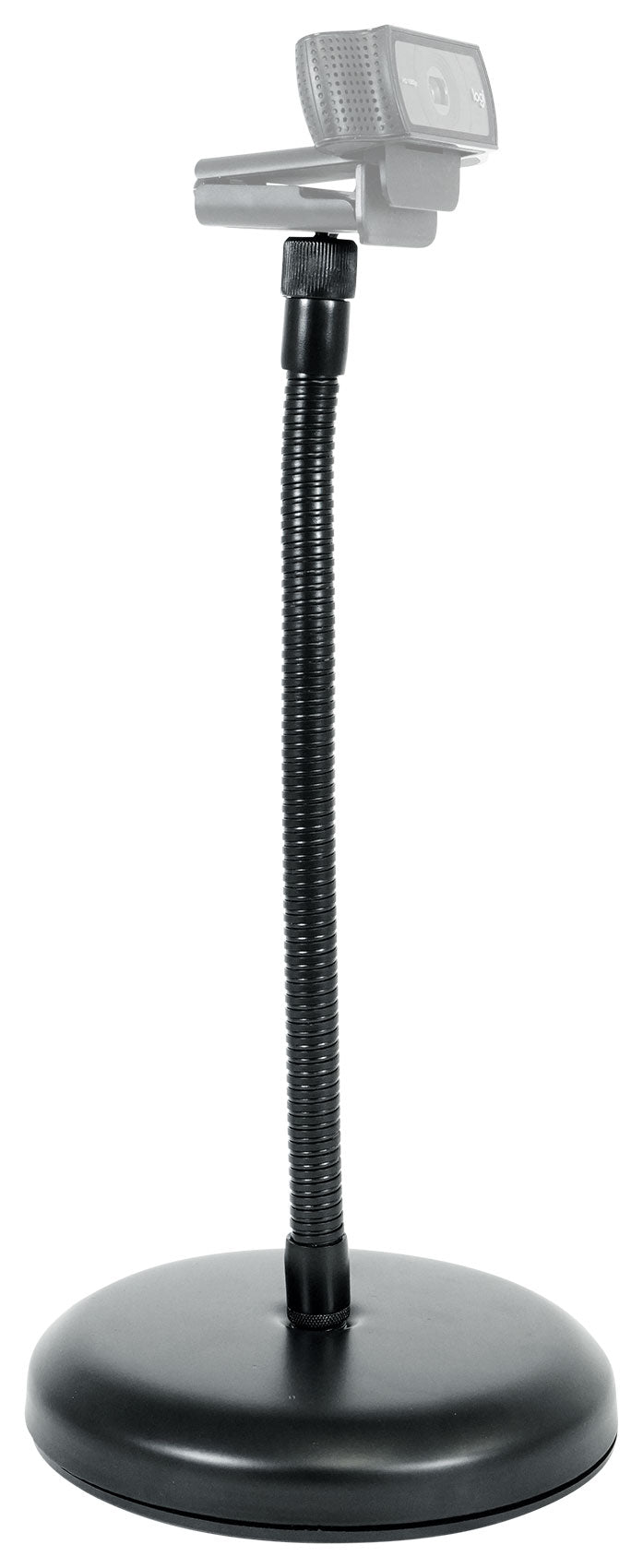
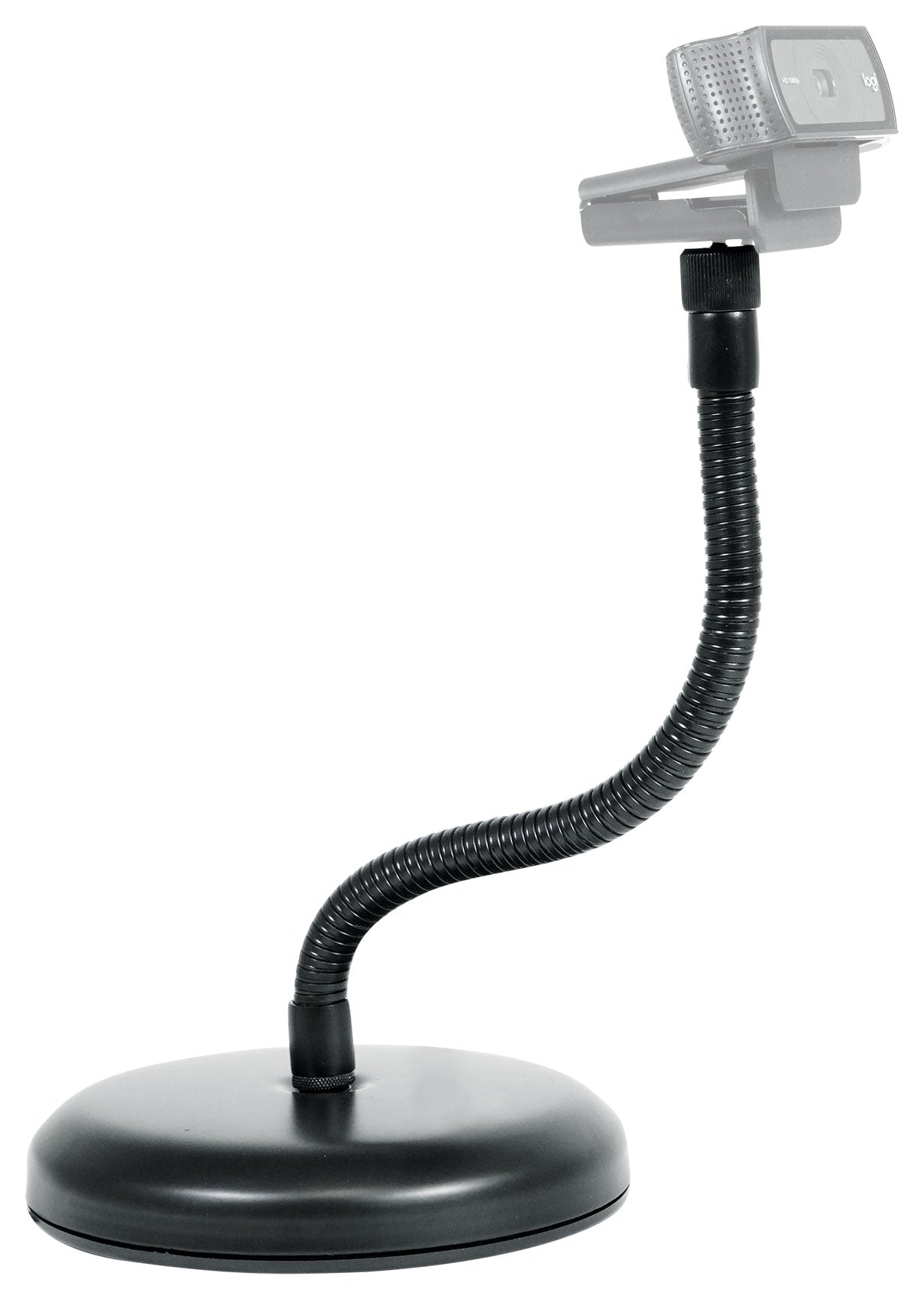
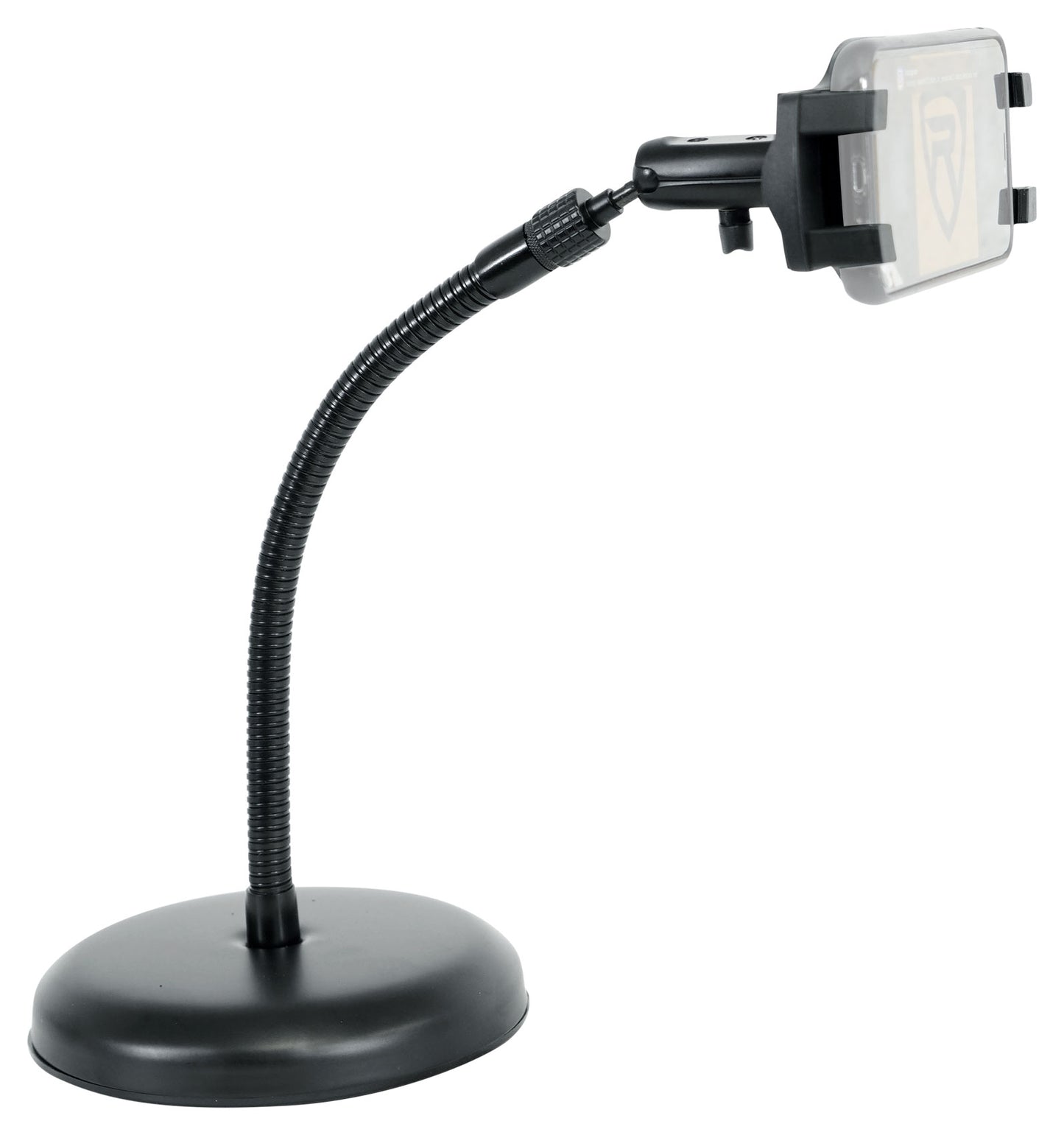
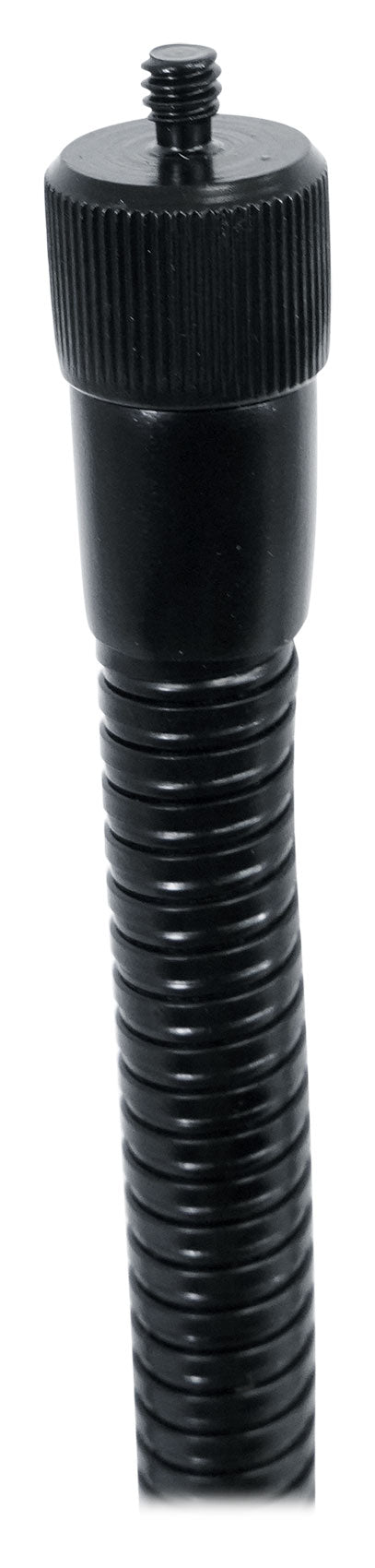
- 11.8" gooseneck holds precise mic angles
- Weighted base reduces desk vibrations
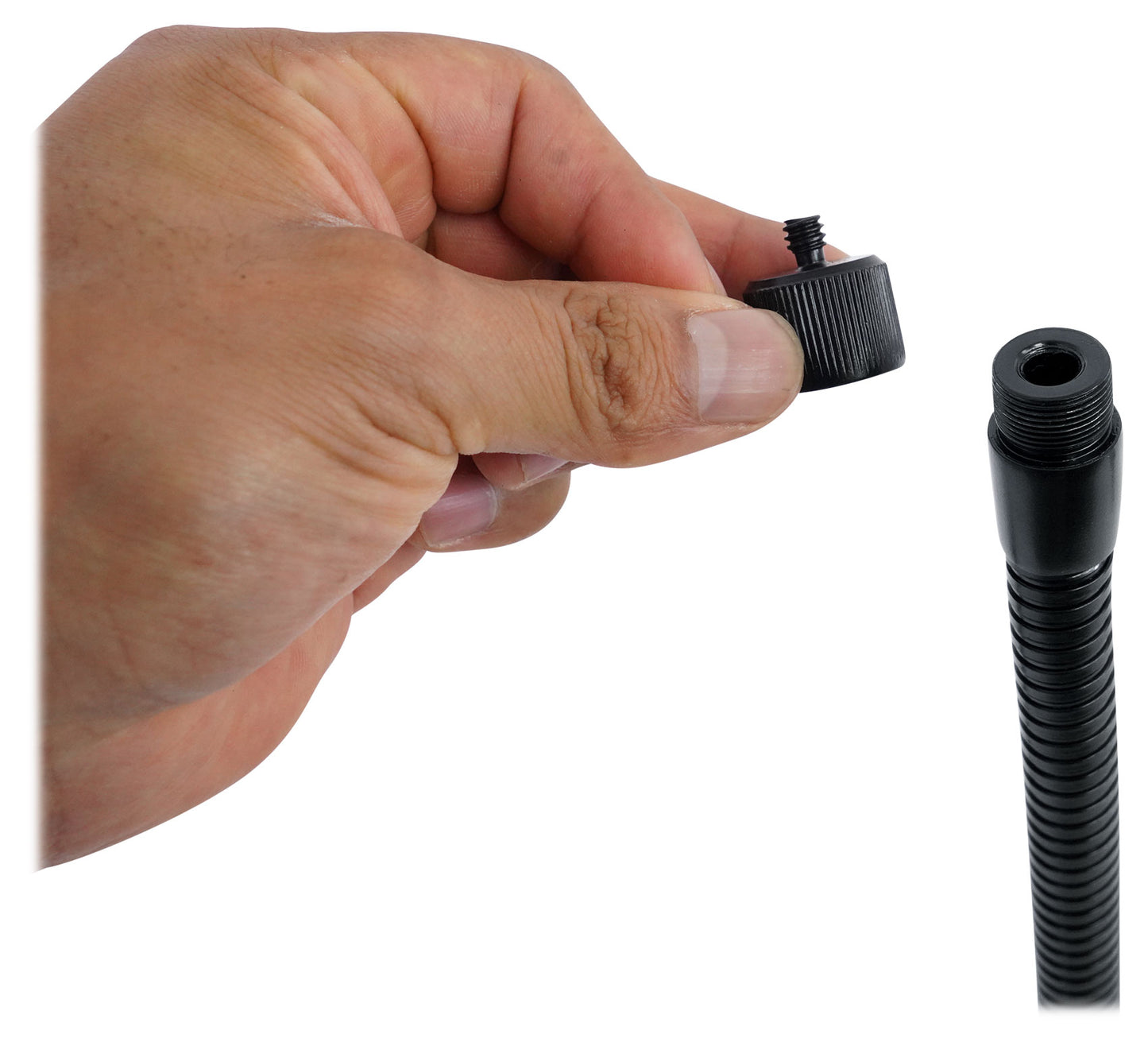
- Adapters fit most mics and webcams
- All‑black finish suits modern setups
- Compact footprint for small desks
Couldn't load pickup availability
30-Day Money-Back Guarantee
Fast & Free Shipping
Buy Now, Pay Later
1-Year Warranty
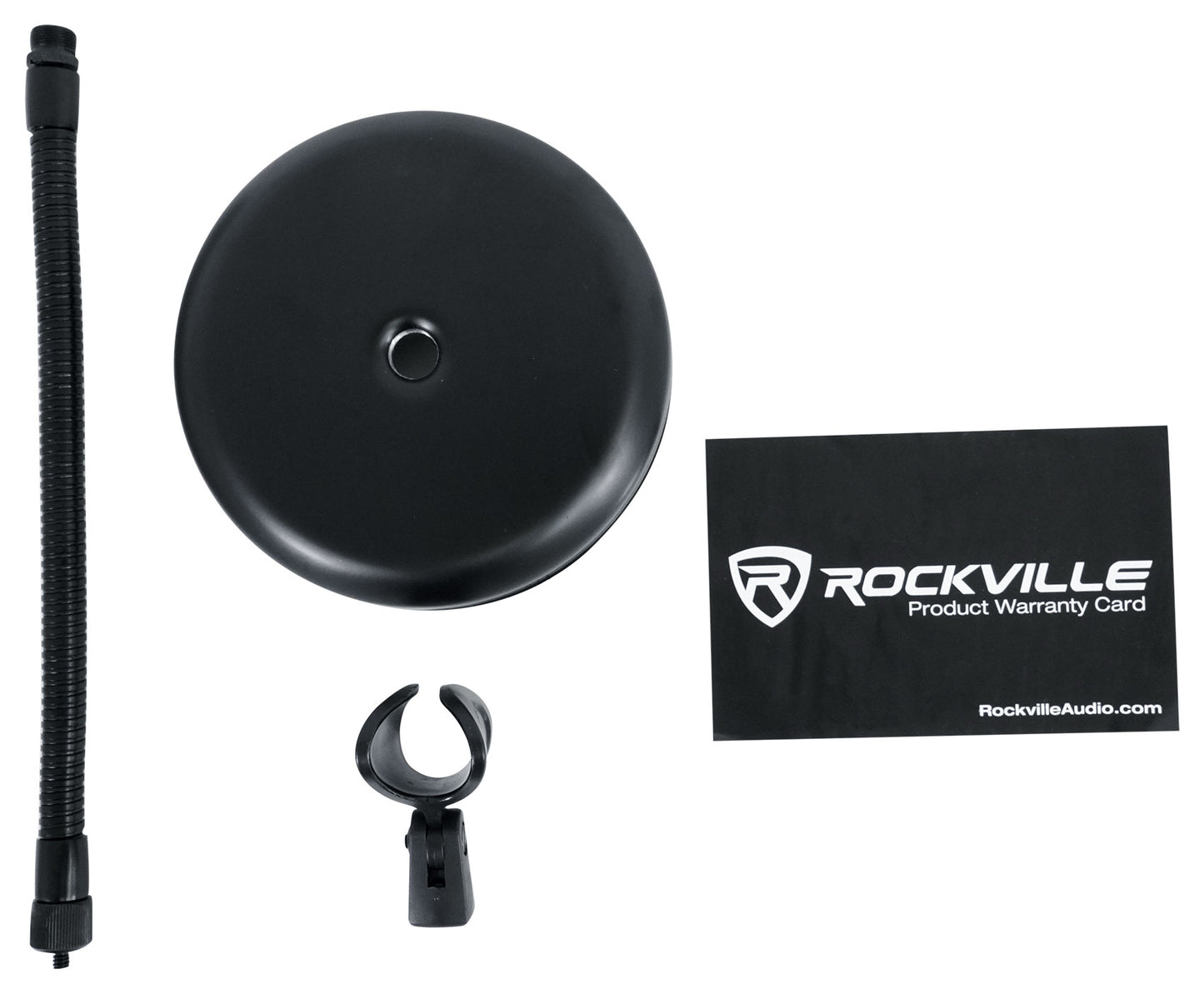
What's Included in the box
- Mic stand with 11.8" gooseneck
- Mic clip
- 3/8"–5/8" adapter
- 5/8"–1/4" webcam adapter
SKU: SKU: RDMS7
View full details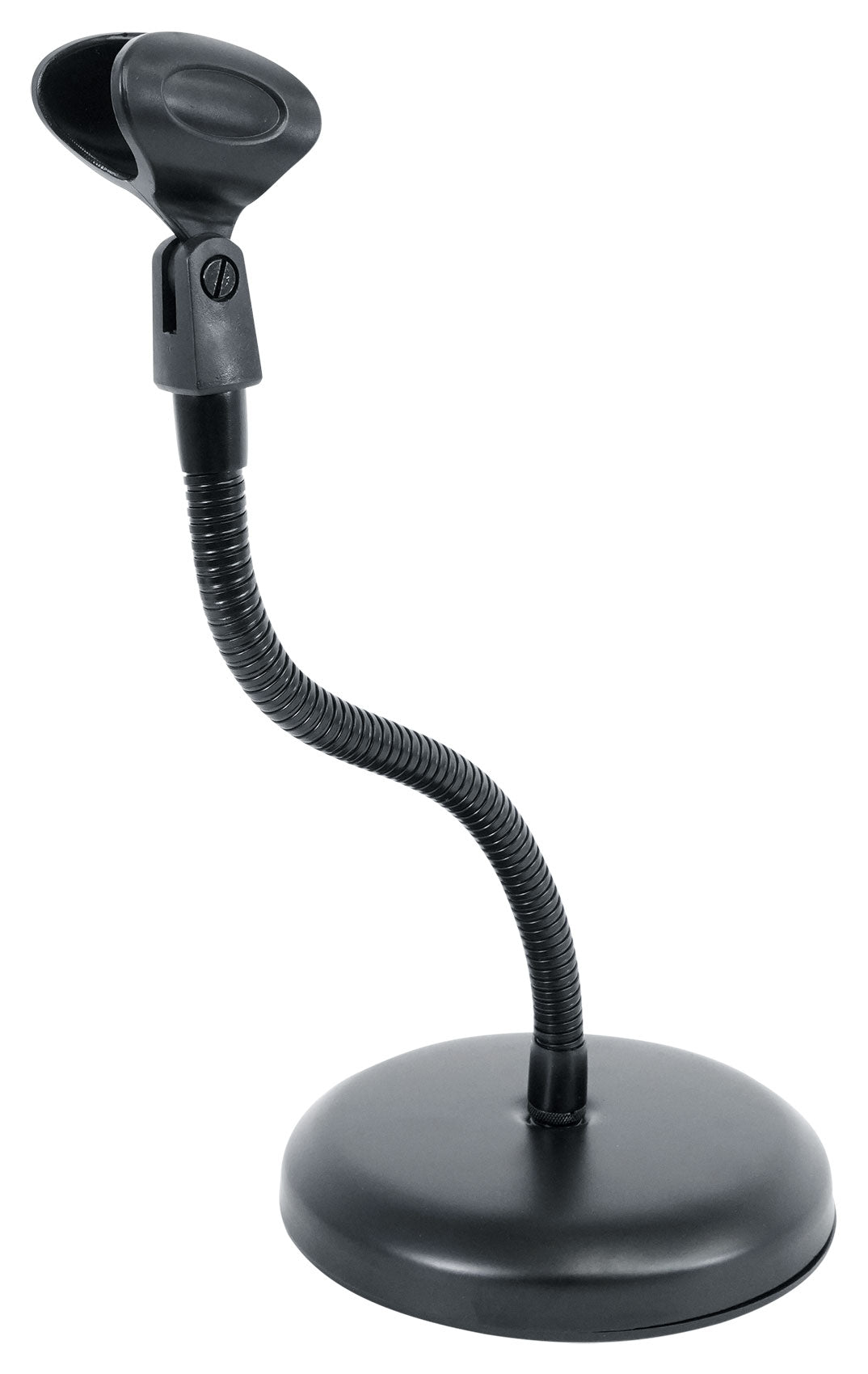
Features
Solid Support
Weighted 6.5" base adds stability and reduces vibrations for cleaner audio and video.
Accurate Placement
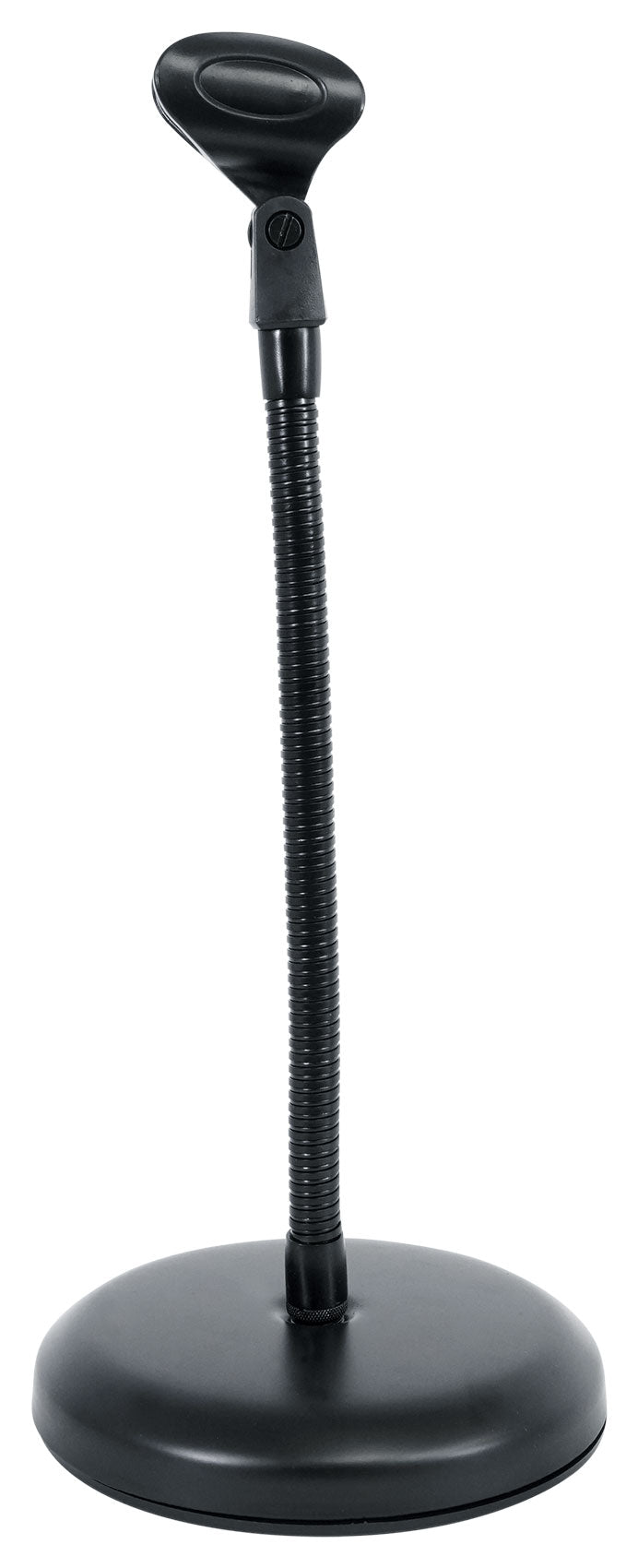
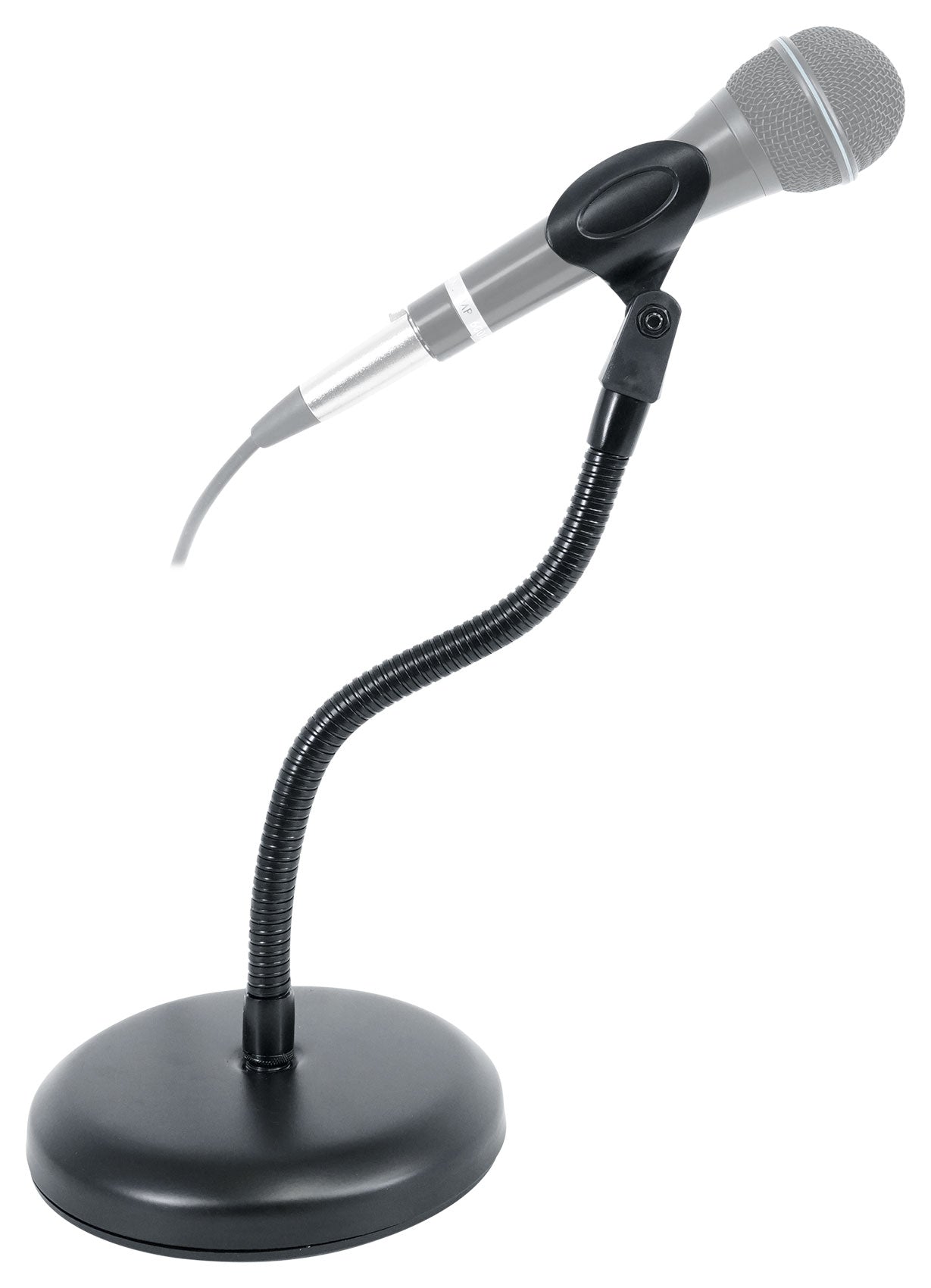
11.8" gooseneck holds its shape so your mic or camera stays exactly where you set it.
Ready to Connect
Includes mic clip plus 3/8"–5/8" and 5/8"–1/4" adapters to fit popular gear.
Refined Look
All‑black finish complements premium setups at home or in the studio.
Compact by Design
Small footprint keeps desks clear while positioning gear within reach.