 Support


Rockville
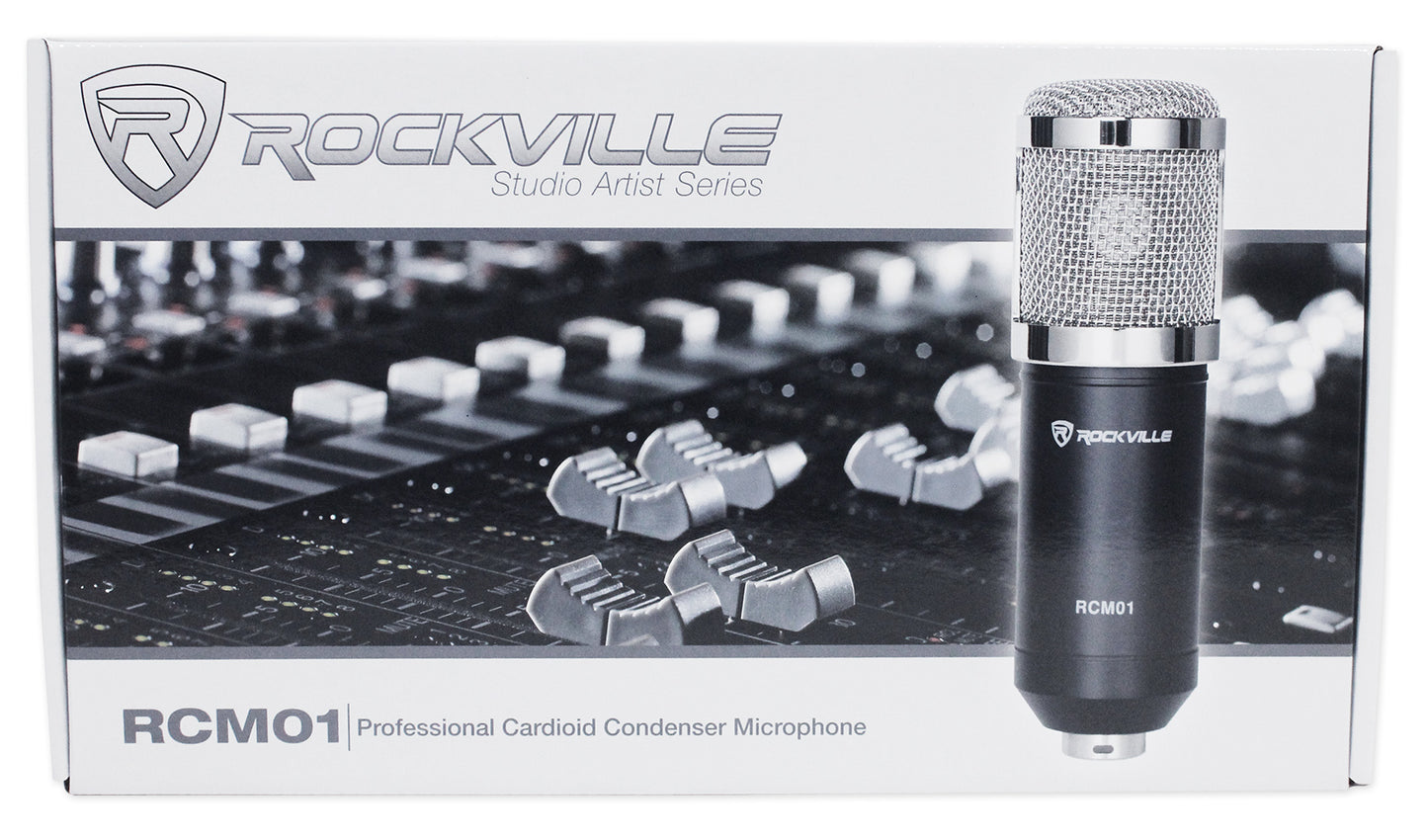
RCM01
RCM01
Studio Condenser Microphone, 25mm Cardioid
Regular price
$39.95
Sale price
$39.95
Regular price
$0.00
Unit price
per
Features
- Large diaphragm condenser for clear vocals
- Cardioid pickup focuses on your source
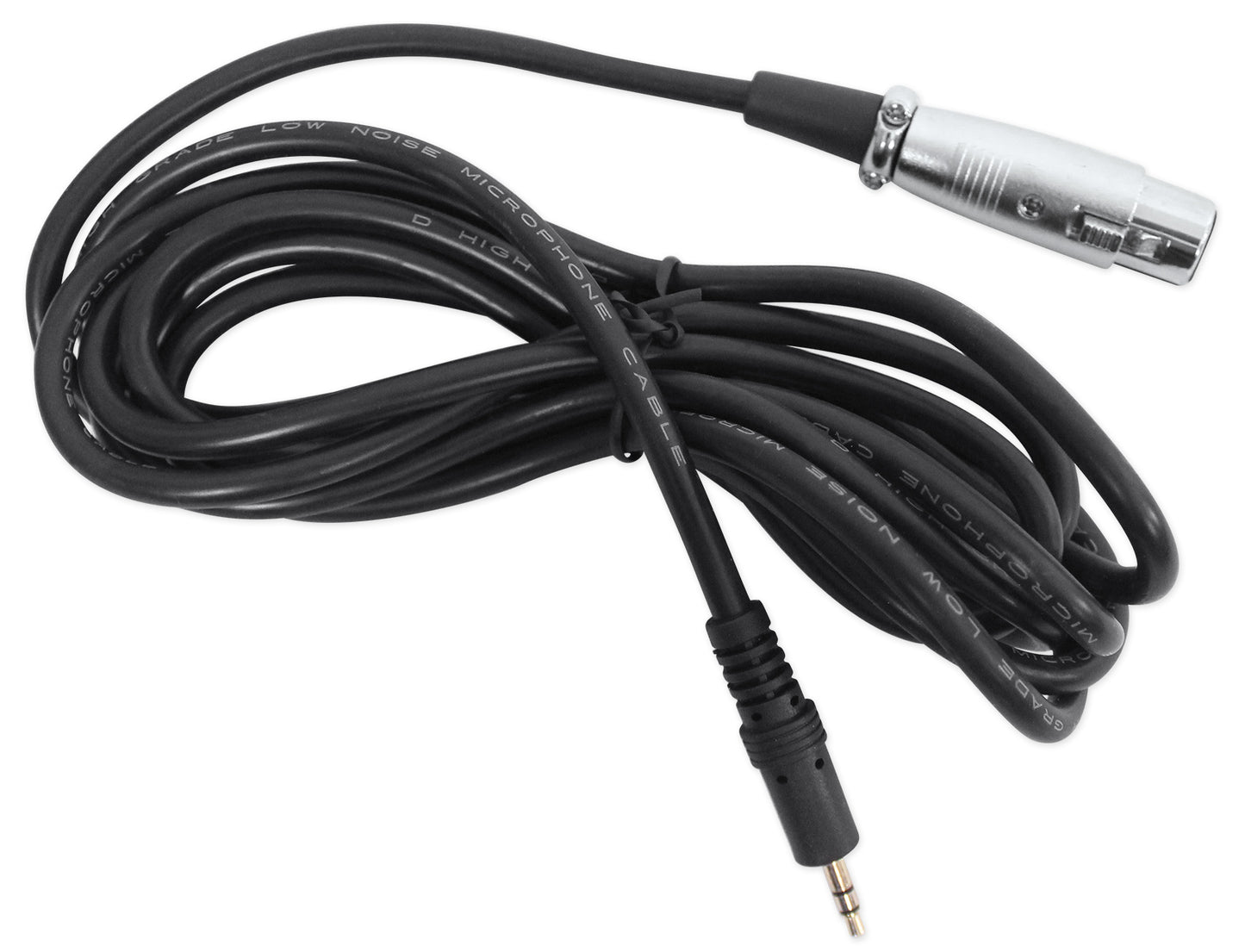
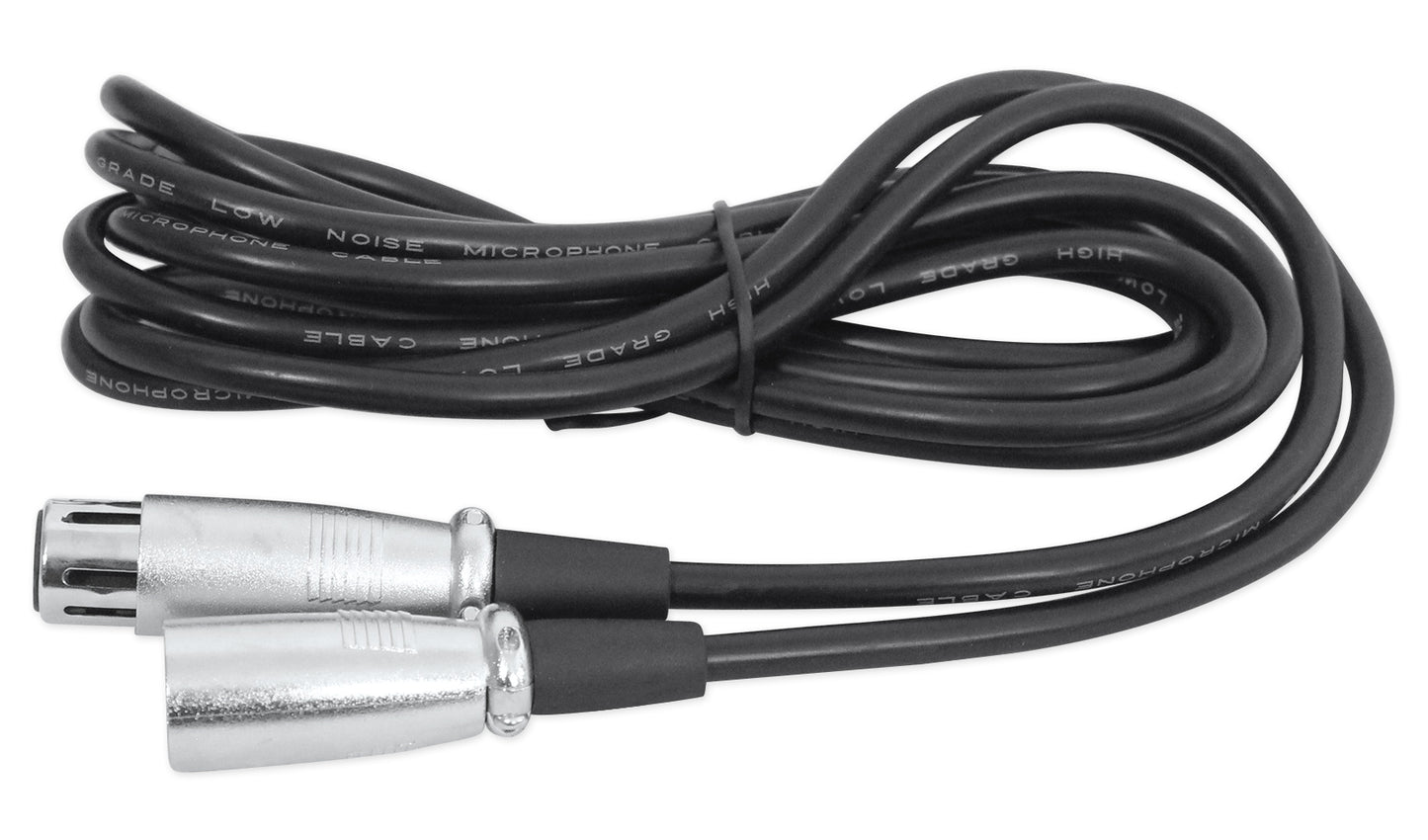
- Includes XLR and 3.5mm cables for setup
- Metal shock mount reduces handling noise
- 18dBA self-noise keeps recordings clean
Couldn't load pickup availability
30-Day Money-Back Guarantee
Fast & Free Shipping
Buy Now, Pay Later
1-Year Warranty
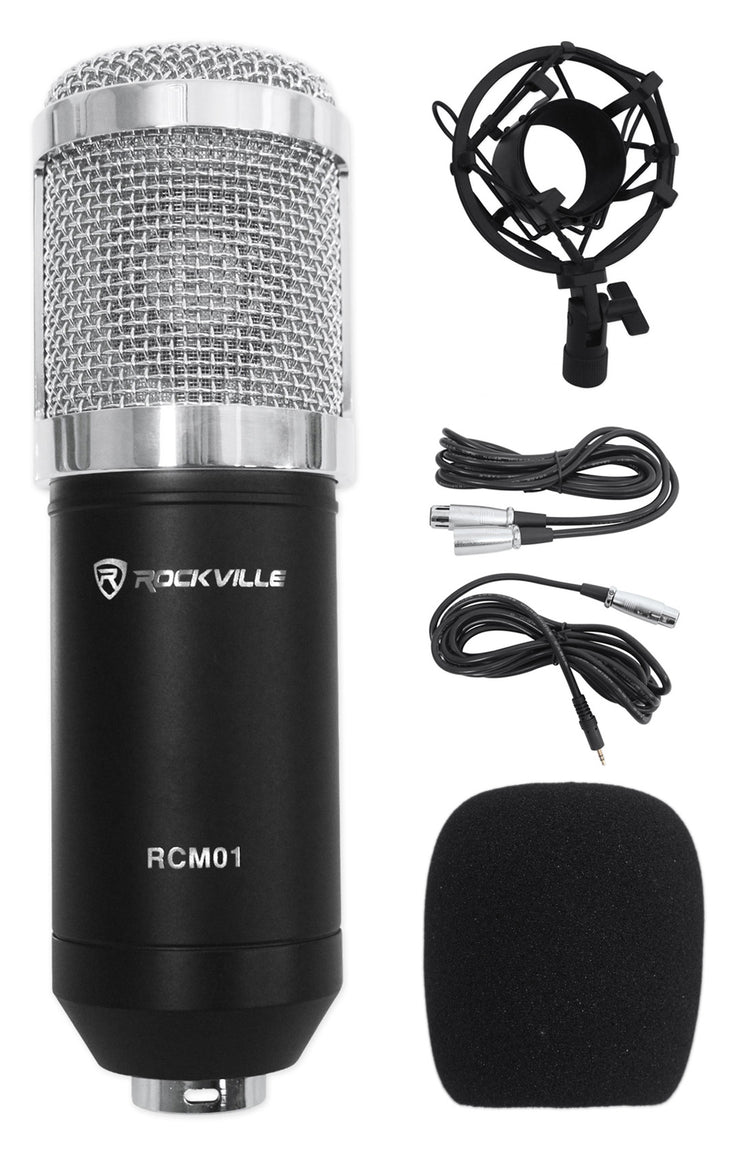
What's Included in the box
- RCM01 condenser microphone
- Metal shock mount
- 10' 3.5mm to XLR cable
- 10' XLR to XLR cable
- Anti‑wind foam cap
SKU: SKU: RCM01
View full details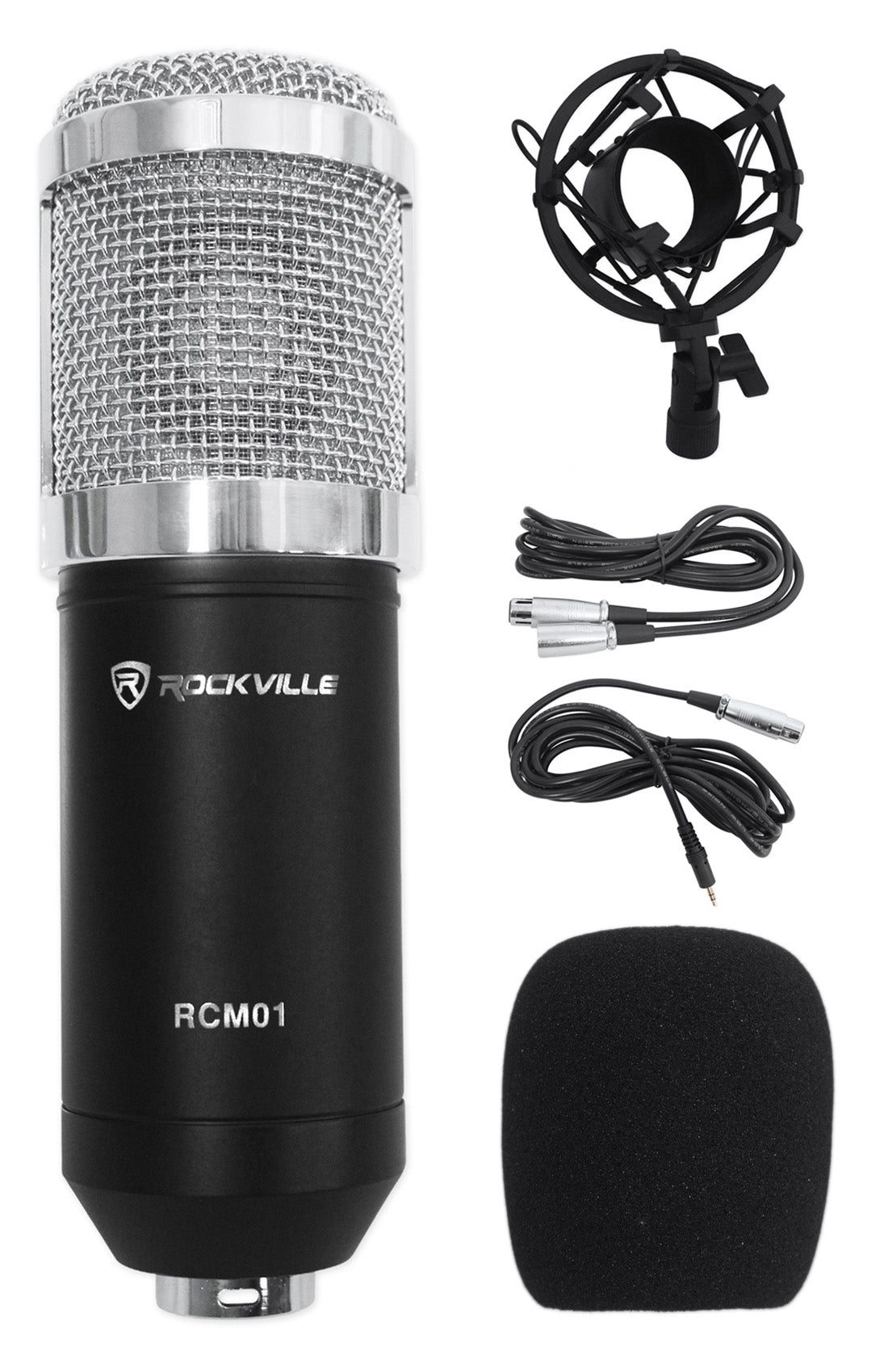


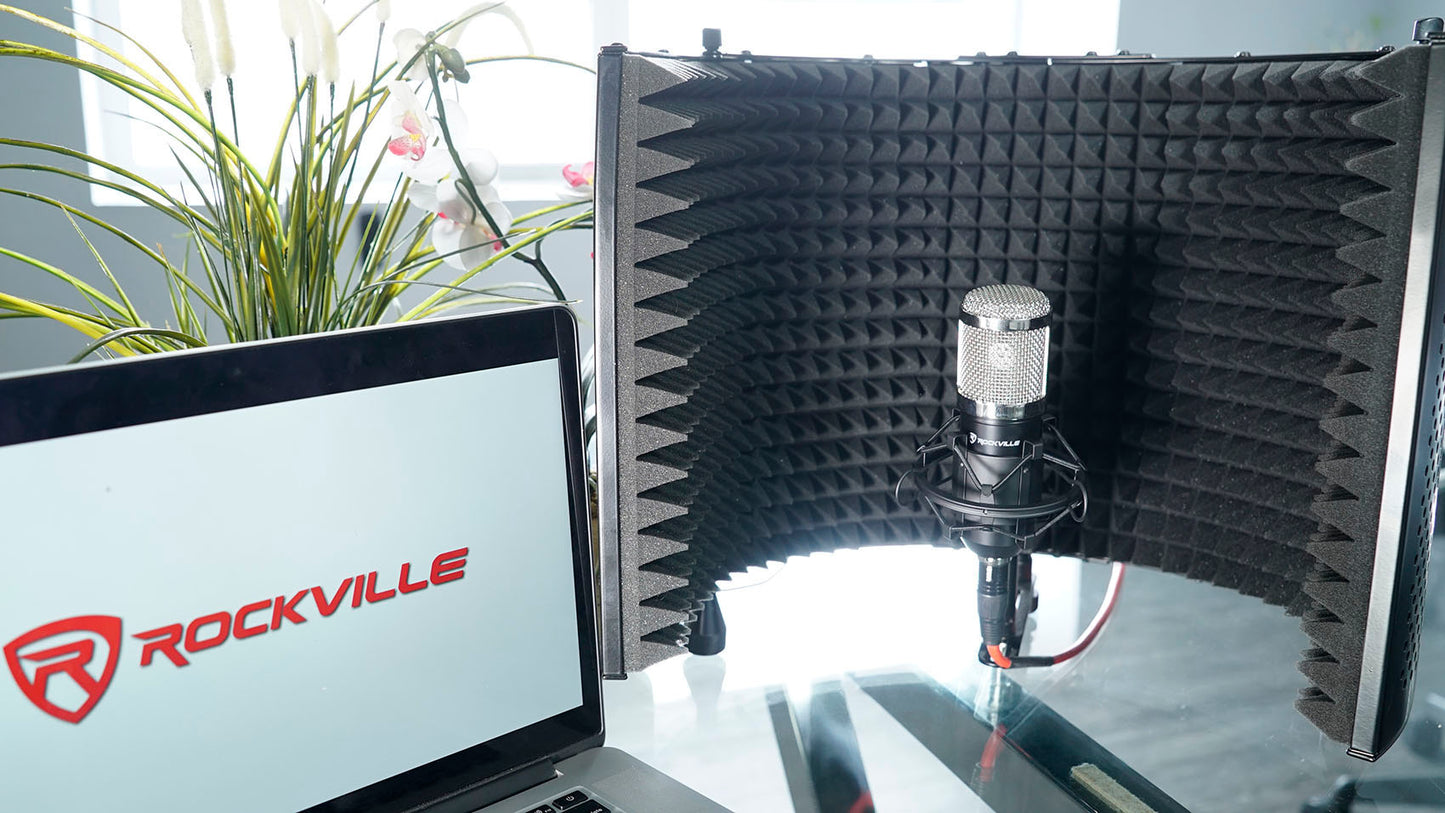
Features
Studio‑Clear Audio
25mm diaphragm and wide frequency range deliver articulate vocals with airy highs.
Low Background Noise
18dBA self‑noise supports clean tracks in untreated rooms.
Adaptable Hookups
Use 48V phantom via XLR or connect to a computer sound card with 3.5mm.
Stable, Solid Build
Metal construction resists wear and reduces handling noise.
Ready To Record
Shock mount and two cables included for quick setup.
Support
-
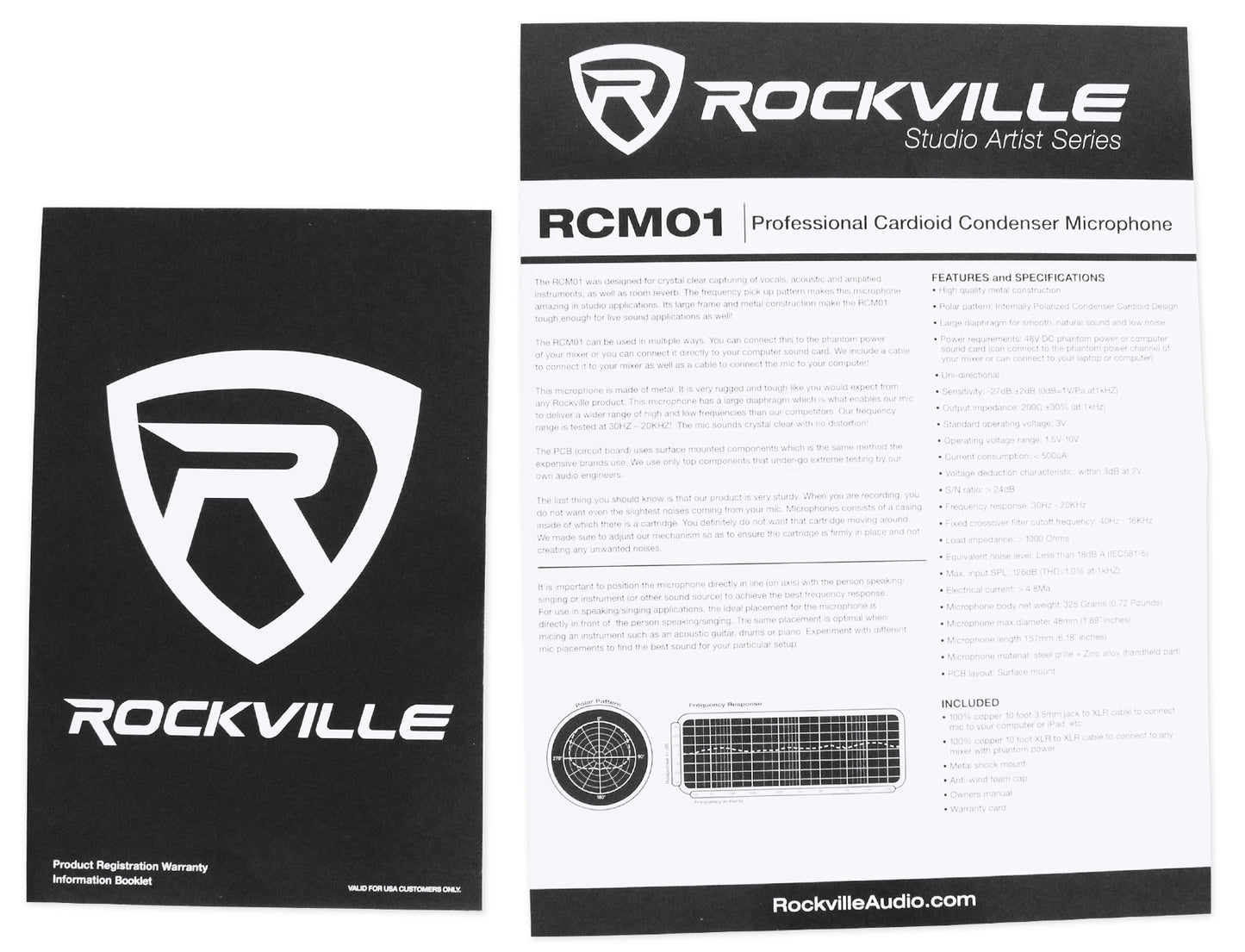
User Guide
Owner's Manual

MIC SHOCK MOUNT for RCM PRO, RCM SR, RCM01, RCM02, RCM03
Regular price
$9.95
Sale price
$9.95
Regular price
$0.00
Unit price
per

RCM SERIES 3.5MM TO XLR CABLE (for RCM PRO, RCM01, RCM02 & RCM03)
Regular price
$12.95
Sale price
$12.95
Regular price
$0.00
Unit price
per

RCM SERIES MIC BOARD (RCM PRO, RCM SR, RCM01, RCM02, RCM03)
Regular price
$29.95
Sale price
$29.95
Regular price
$0.00
Unit price
per