Support


Rockville
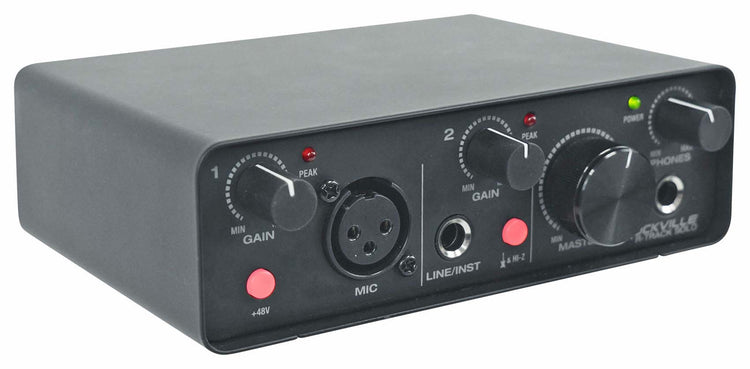
R-TRACK SOLO
R-TRACK SOLO
USB C Audio Interface, 24-Bit/192KHz
Regular price
$49.95
Sale price
$49.95
Regular price
$0.00
Unit price
per
Features
- Studio-quality 24-bit/192KHz audio resolution
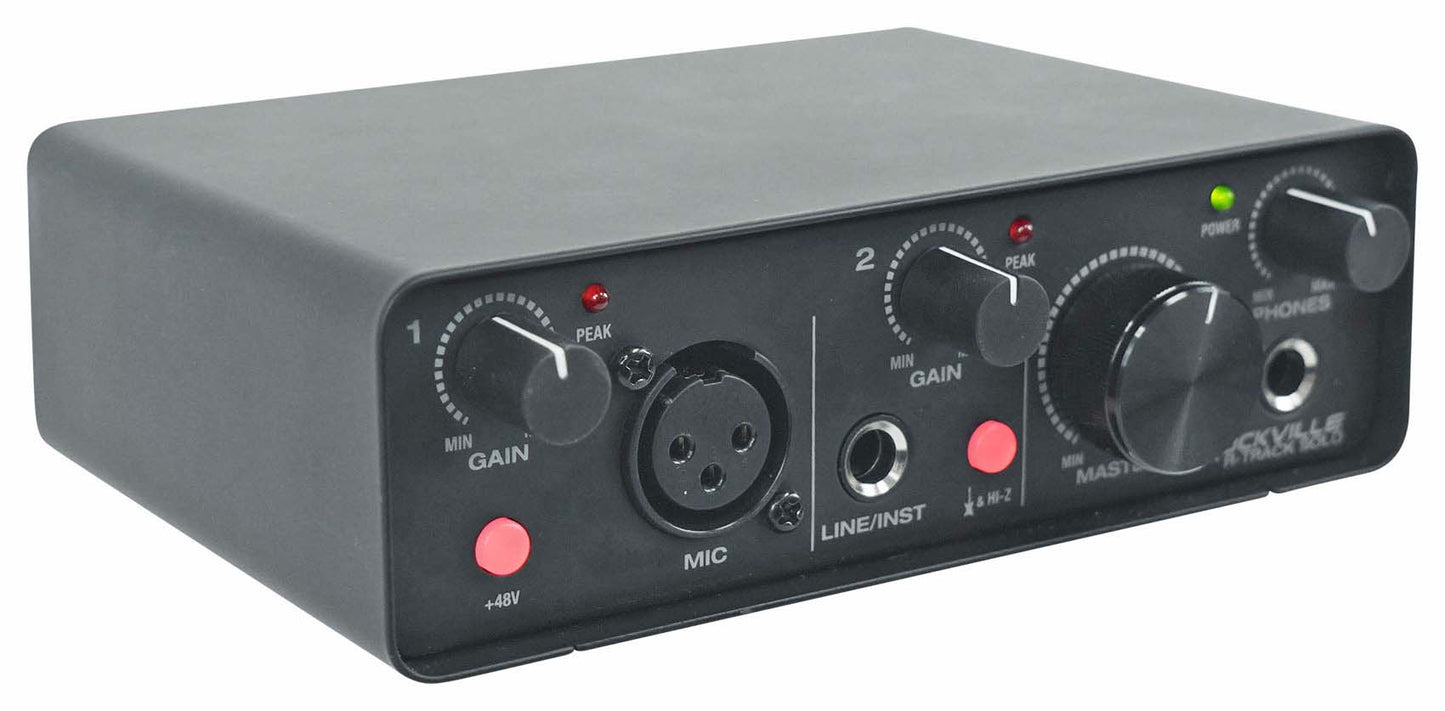
- 2-in/2-out design with XLR and Hi-Z inputs
- ASIO support for ultra-low latency recording
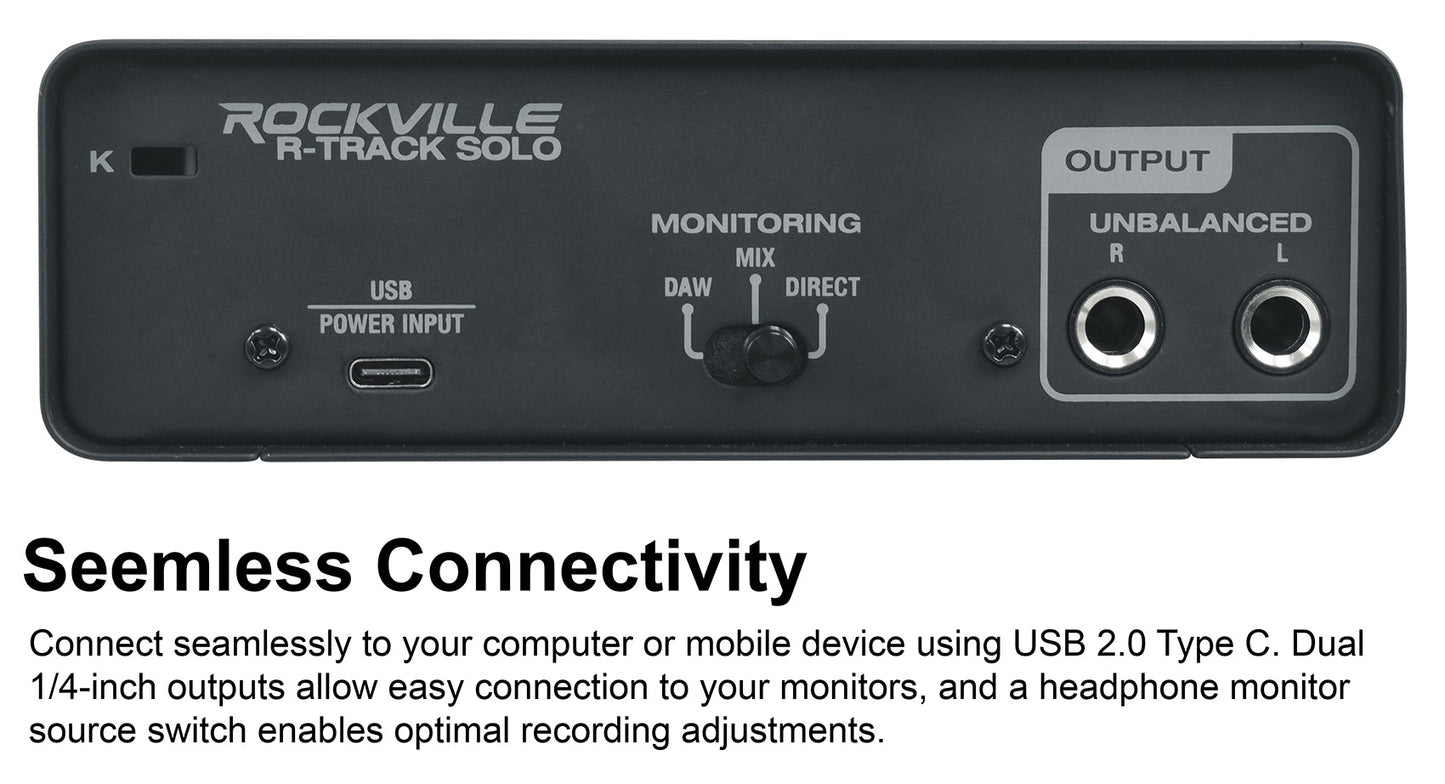
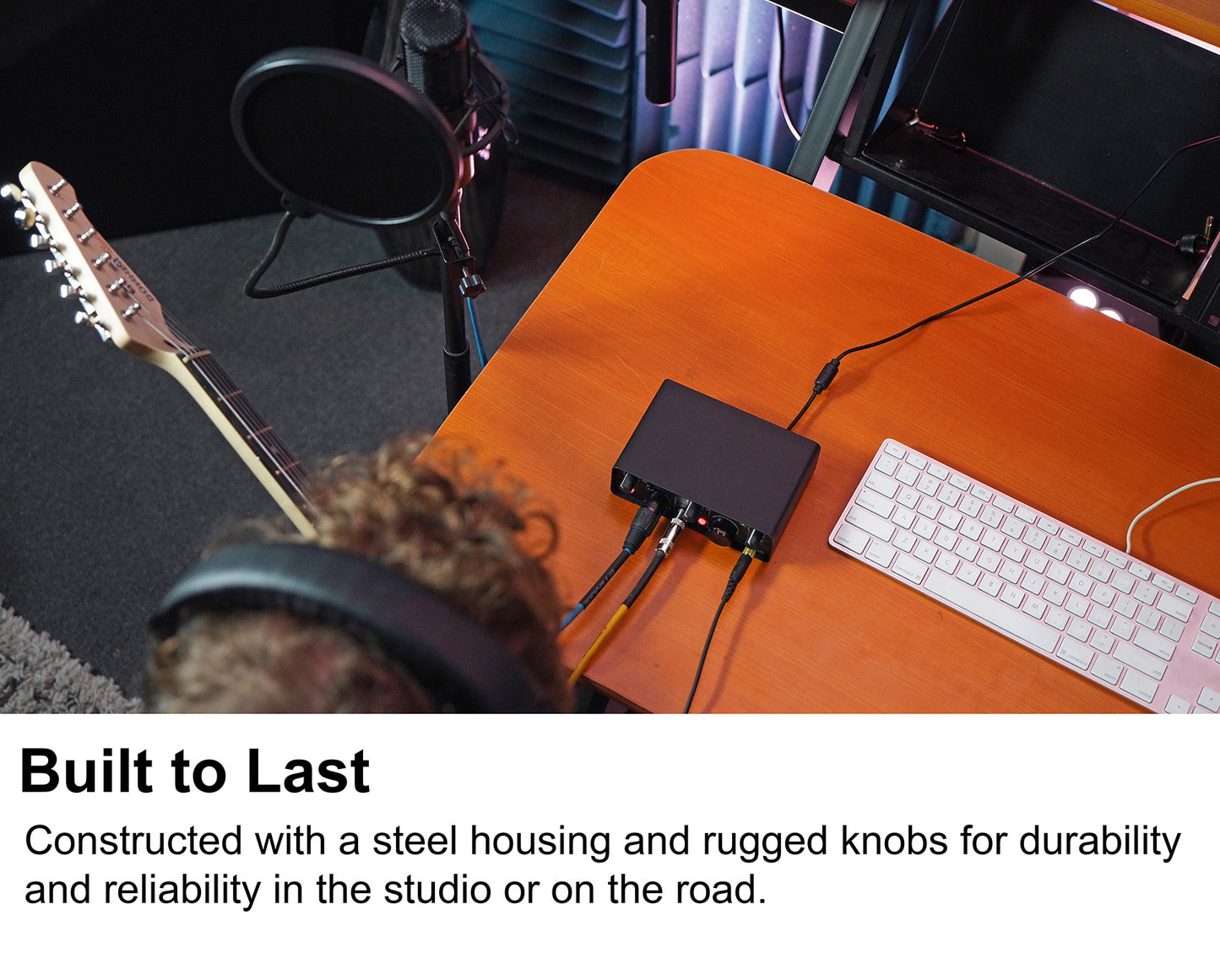
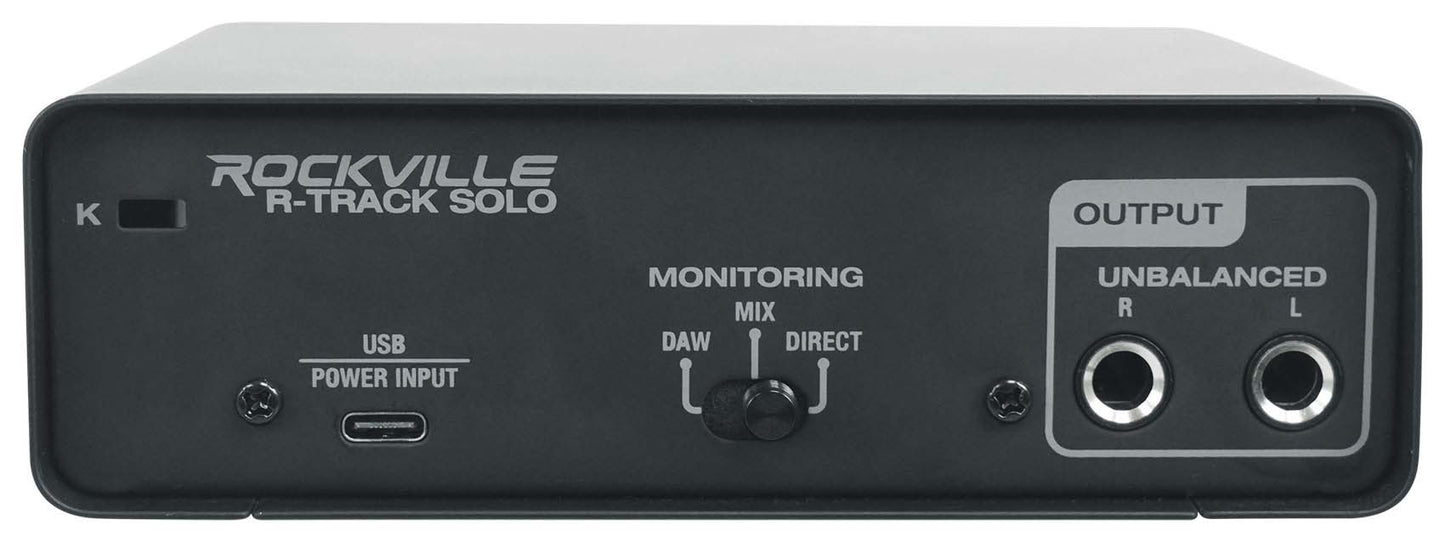
- Rugged steel housing and secure Kensington lock
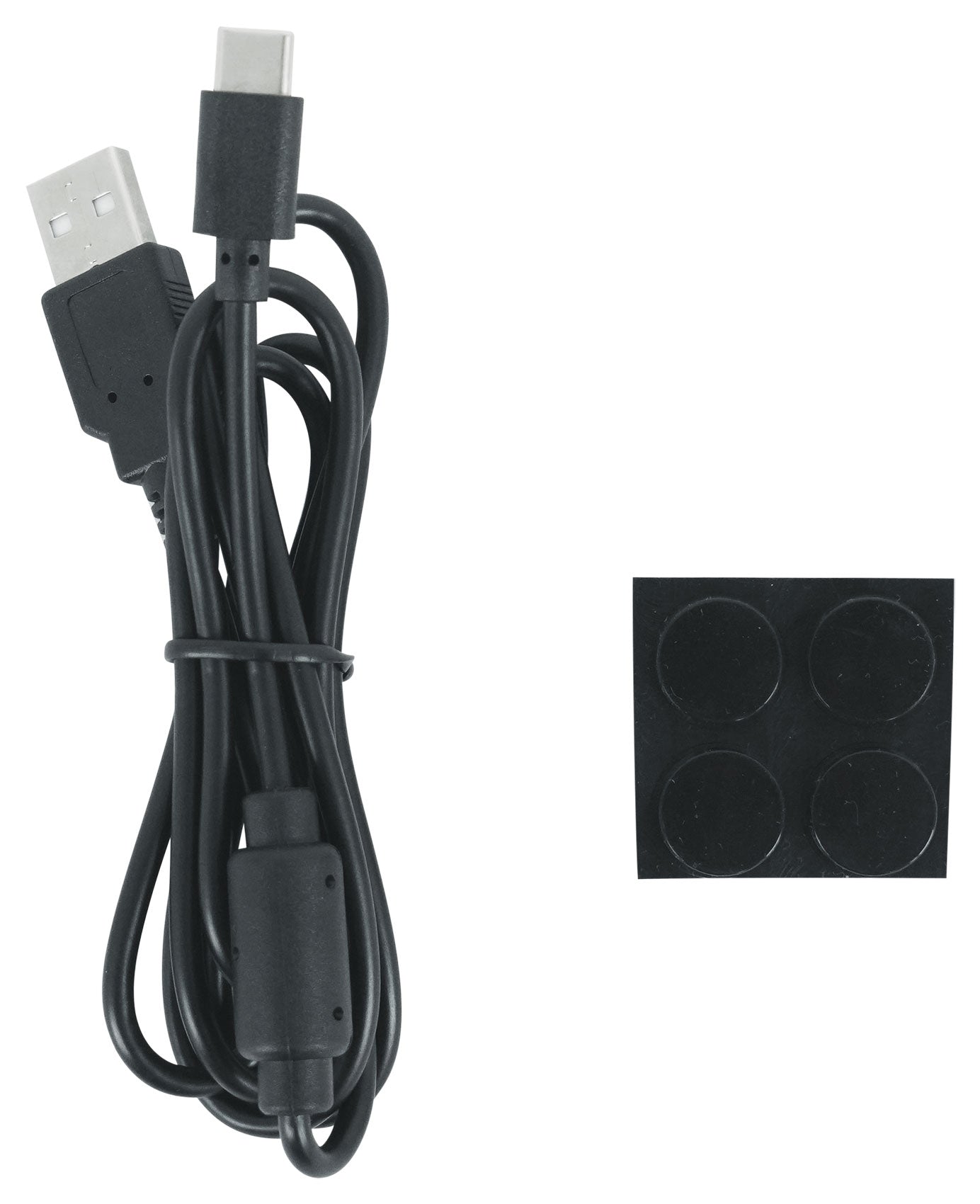
- Includes USB cable, user manual, and training videos
Couldn't load pickup availability
30-Day Money-Back Guarantee
Fast & Free Shipping
Buy Now, Pay Later
1-Year Warranty
What's Included in the box
- USB Audio Interface
- USB Cable (Type A to Type C)
- User Manual
- Training Videos
SKU: SKU: R-TRACK SOLO
View full details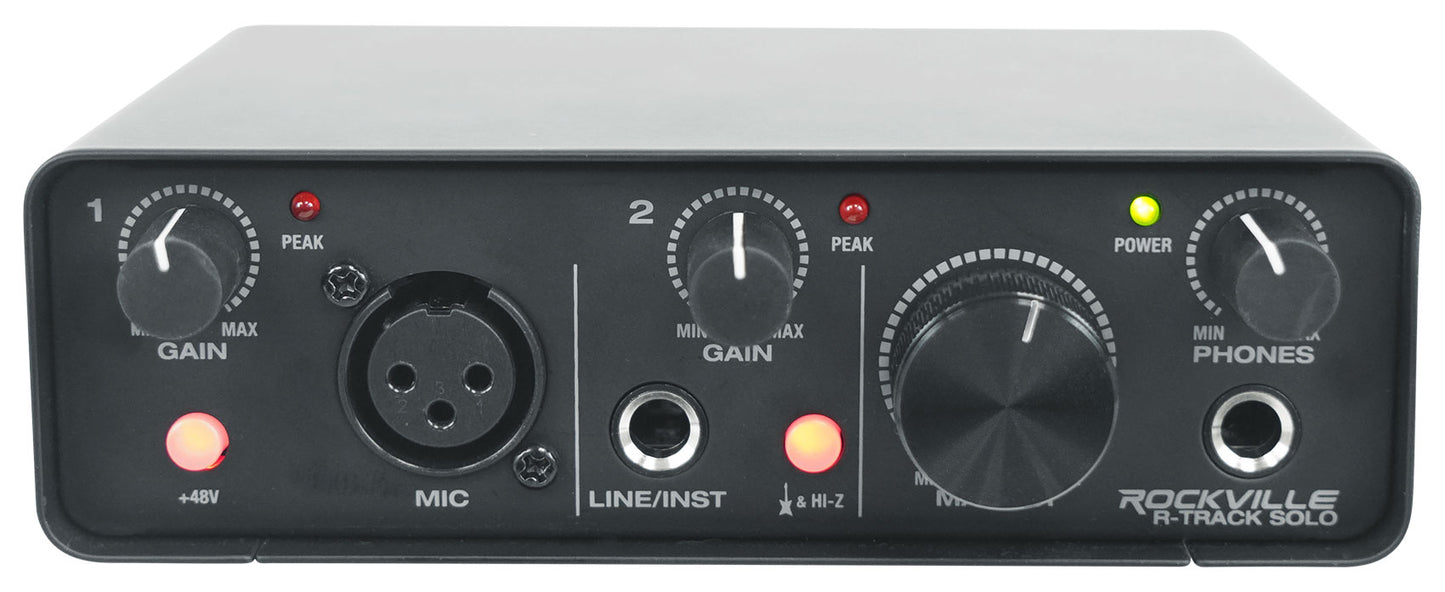
Features
-
Studio-Quality Sound
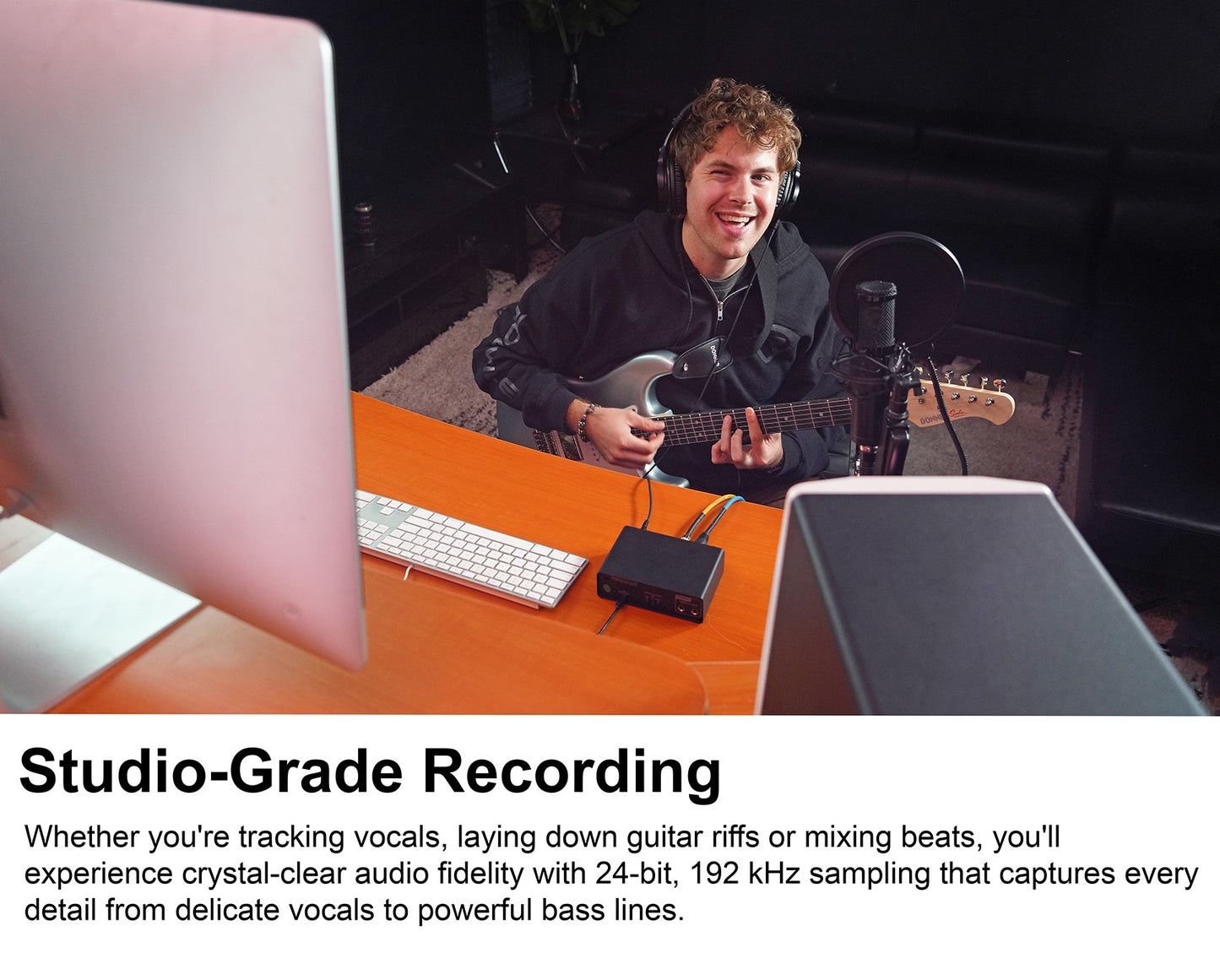
24-bit/192KHz resolution captures every detail, delivering clear, dynamic audio for music, podcasts, and content creation.
-
Flexible Connectivity
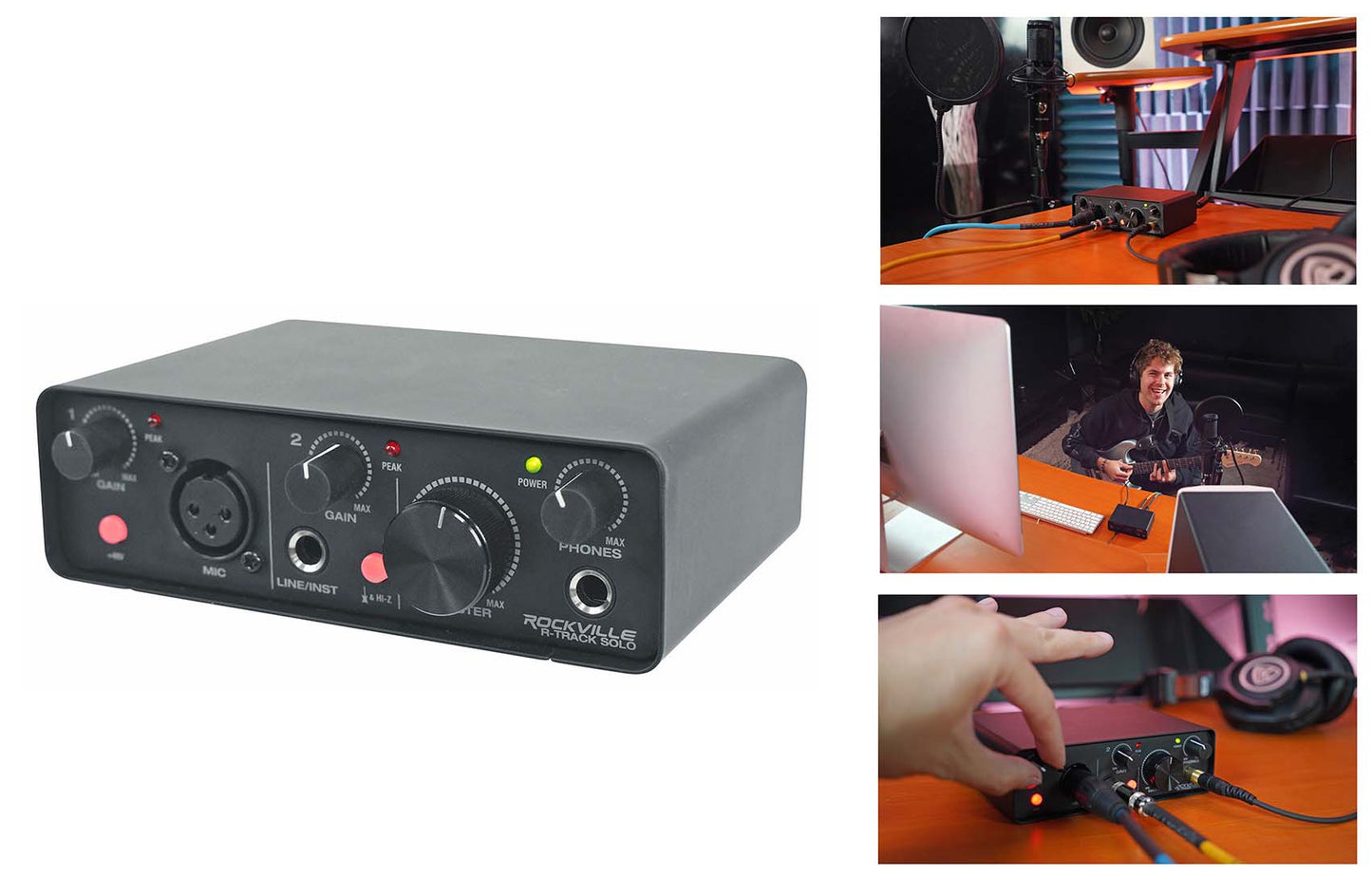
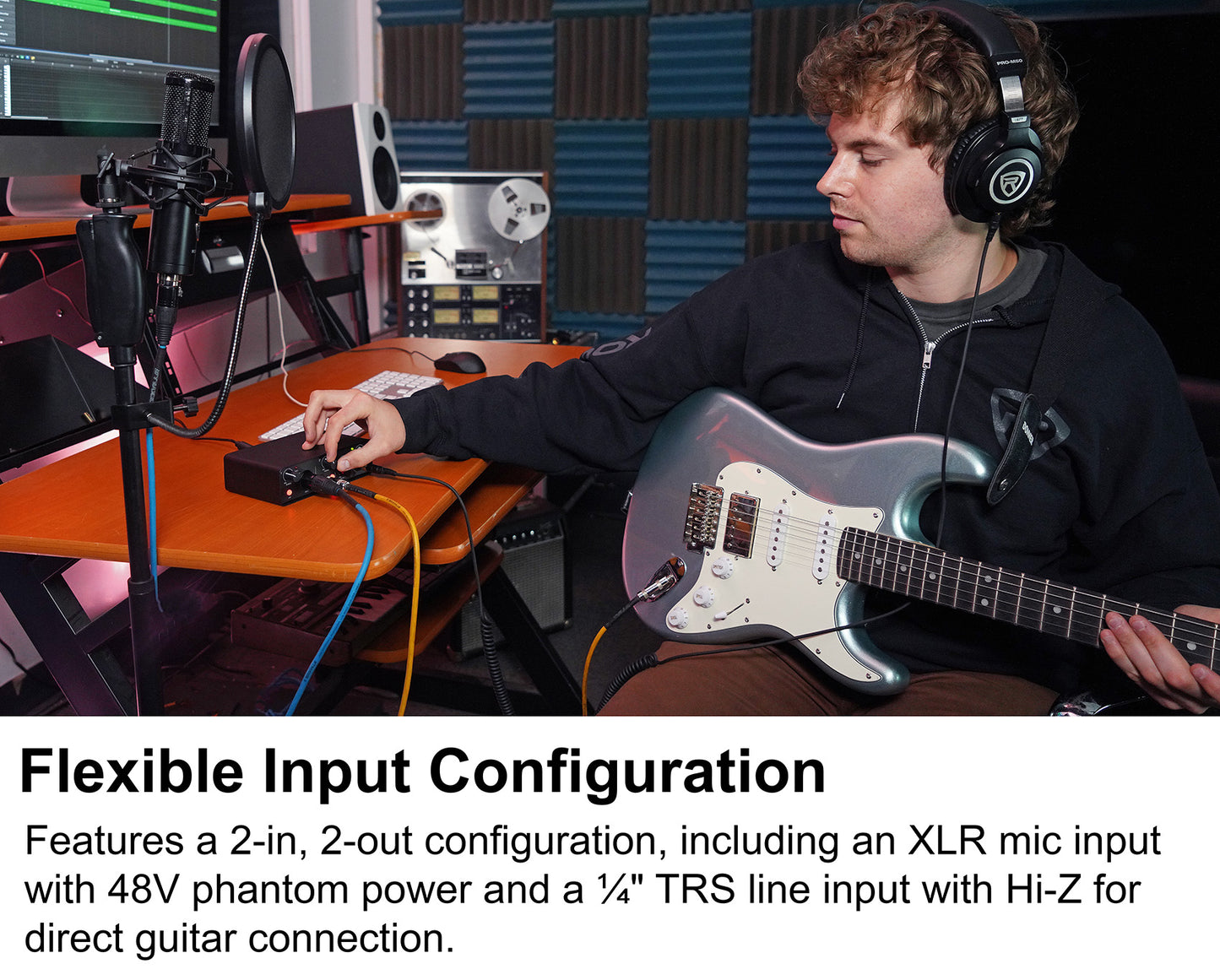
Dual inputs (XLR with phantom power and Hi-Z TRS) accommodate microphones, instruments, and line-level sources for versatile recording.
-
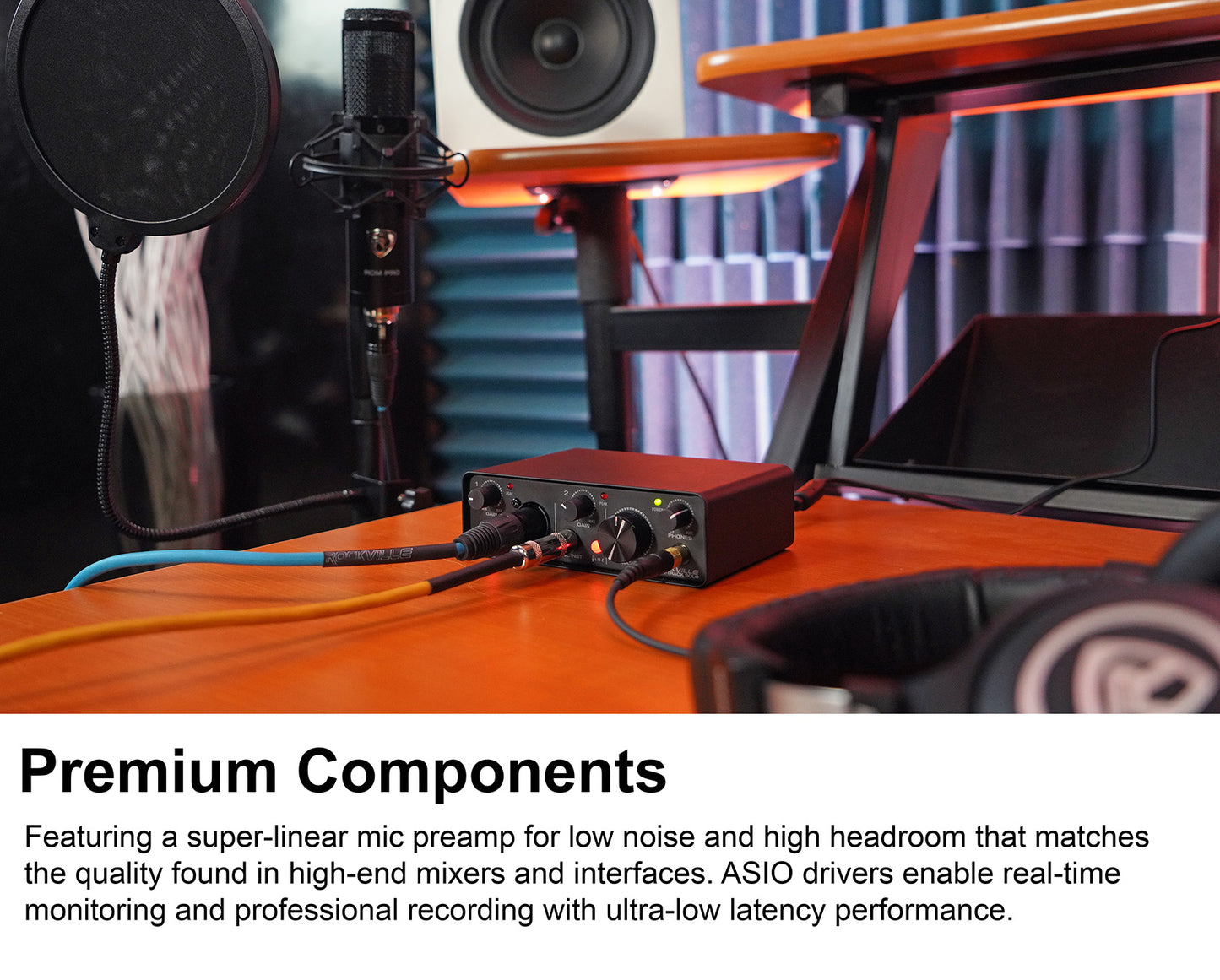
Low-Latency Monitoring
ASIO support and direct monitoring provide real-time audio feedback, eliminating distracting delays during recording.
-
Rugged, Reliable Build
Steel housing and sturdy controls offer durability and confidence, whether in the studio or on the road.
-
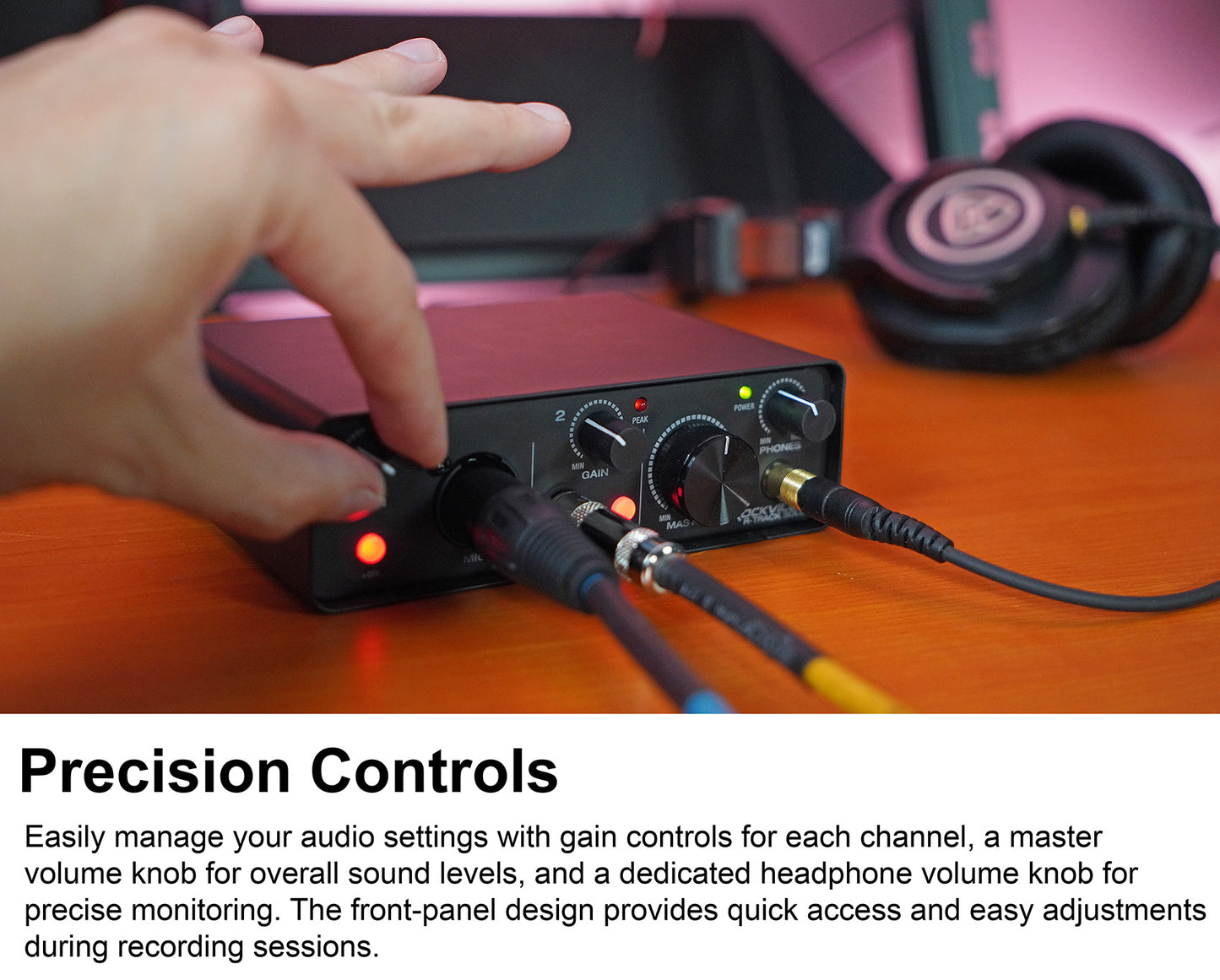
Intuitive Control Layout
Dedicated gain, master, and headphone knobs make it easy to fine-tune your sound and monitor with precision.