 Support


Rockville
LINE8 USB
LINE8 USB
8-Channel USB-C Mic/Line Mixer
Features
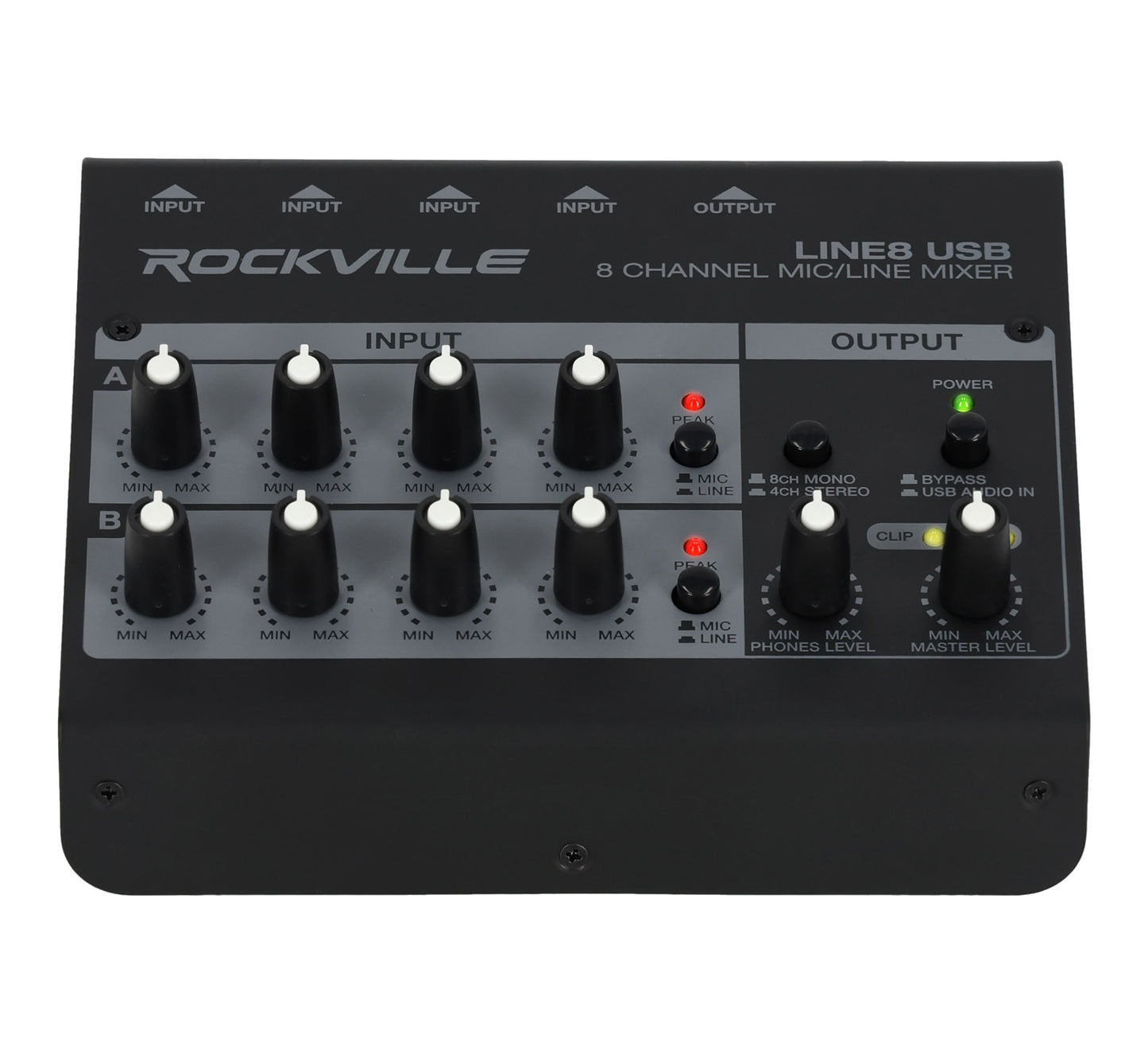
- 8 inputs with mic/line switching
- USB-C 16-bit/48kHz recording
- Headphone output with volume
- Mono/stereo sum and clip LEDs
- Steel housing, compact size
Couldn't load pickup availability
What's Included in the box
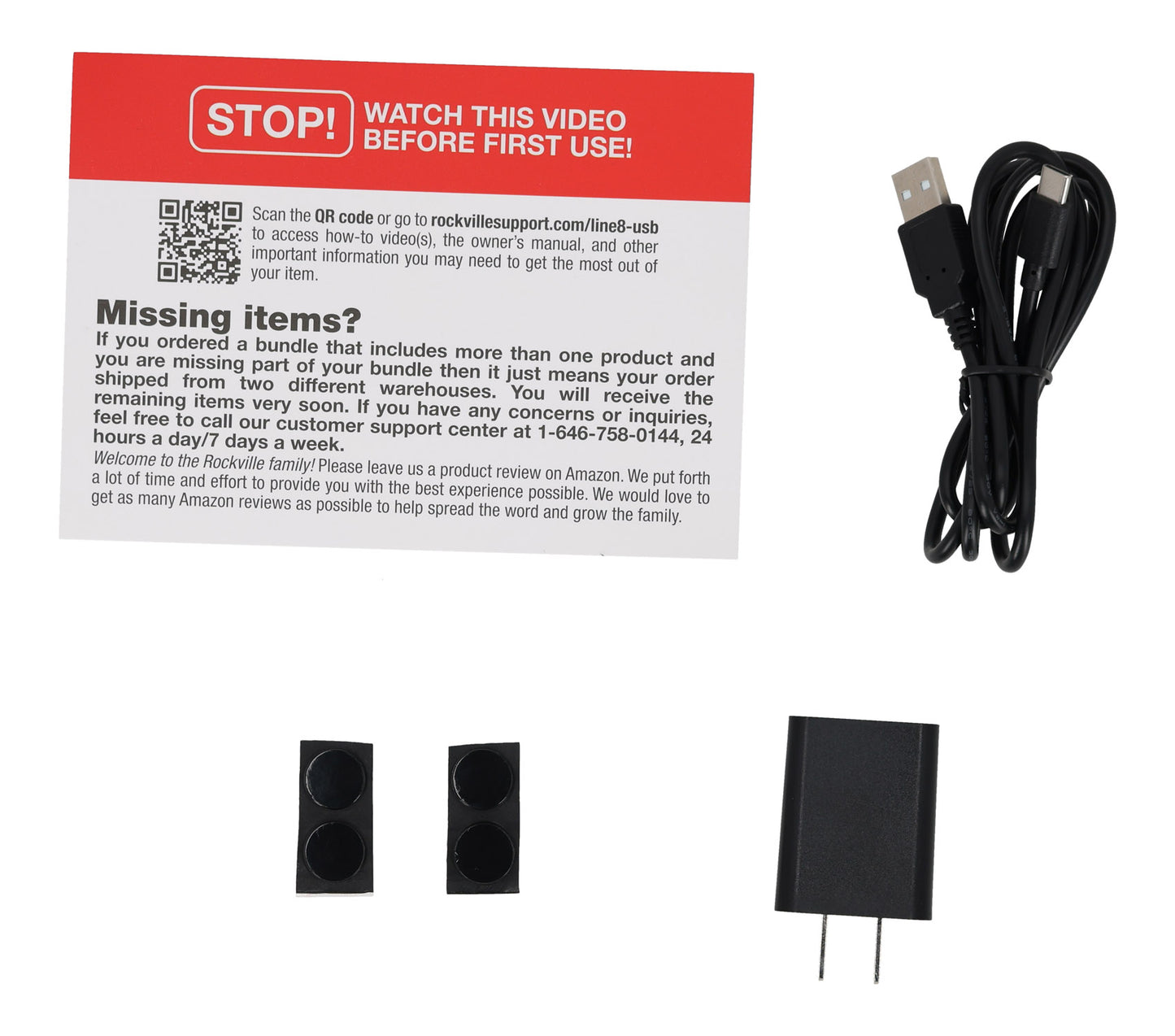
- LINE8 USB mixer
- USB-A to USB-C cable
- Power adapter
SKU: SKU: LINE8 USB
View full details


Product Details
Versatile 8-Channel Mixer for Modern Creators
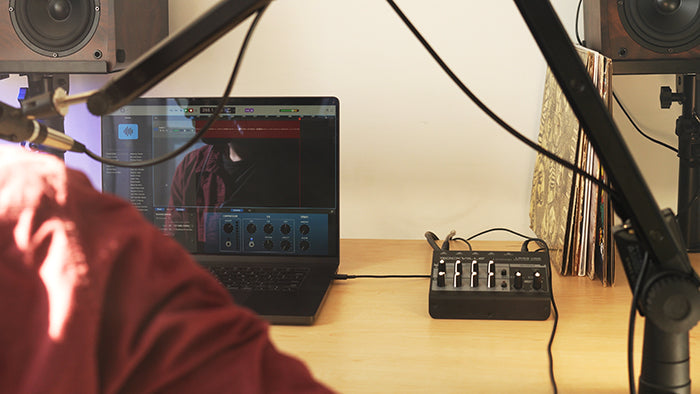
Pristine Audio with USB-C Recording
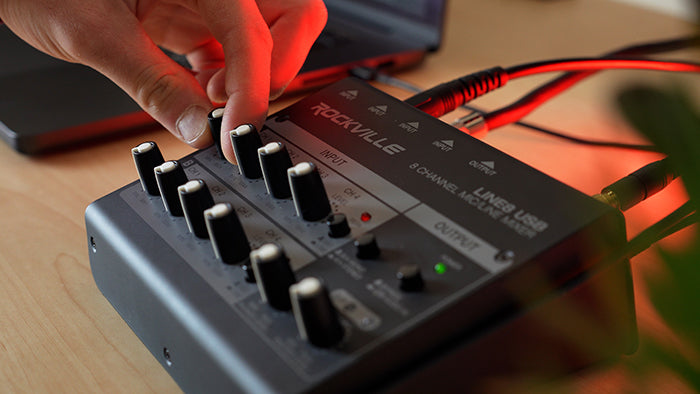
Flexible Inputs and Intuitive Controls

Engineered for Clean, Reliable Performance
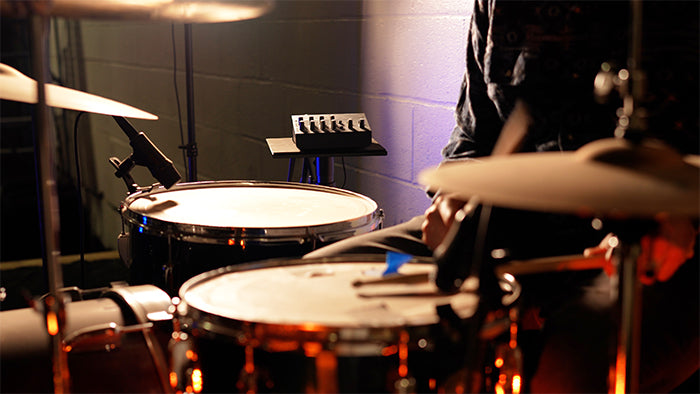
Ready for Any Setup
Features
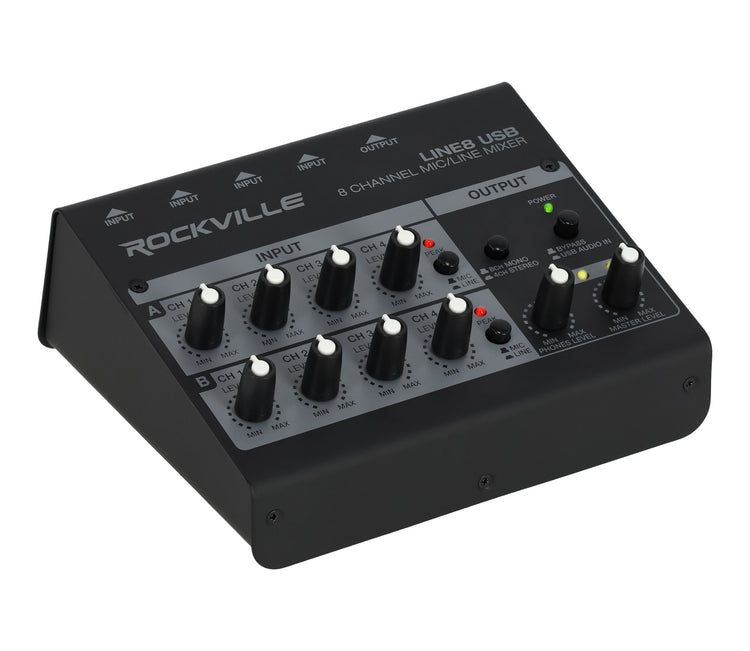
Eight Inputs, Big Flex
Switch A1–A4 and B1–B4 between mic and line with individual level knobs for quick, precise mixes.
USB-C Recording
Capture the stereo master at 16-bit/48kHz directly to your computer for podcasts and performances.
Low-Noise Design
4Hz–80kHz response, THD+N <0.005%, and -100.2dBA SNR preserve clarity and punch.
Smart Monitoring
Headphone out, clip LEDs for Group A/B, mono/stereo summing, and master level keep levels dialed.
Portable Steel Build
Compact housing with USB bus power or included adapter suits travel, rehearsals, and small stages.
Support
-
User Guide
Owner's Manual
The Rockville LINE8 USB is an 8‑channel mic/line mixer with a built‑in USB recording interface. It’s ideal for podcasts, live sound, rehearsals, streaming, jam sessions, and quick recordings. You can connect multiple microphones and instruments, mix them, send audio to speakers or another mixer, and record directly to a computer.
You can connect up to 8 inputs total. Each input can be used for a microphone or a line‑level device depending on the setting. The mixer can operate as: • 8 mono channels, or • 4 stereo channels
Yes. Inputs A1–A4 and B1–B4 have selectable Mic or Line modes. Use Mic mode for microphones Use Line mode for instruments and audio devices
Yes. The LINE8 USB has a built‑in USB‑C recording interface that records the master output directly to your computer at 16‑bit / 48kHz. It’s plug‑and‑play with Mac and PC—no drivers needed.
Absolutely. The LINE8 USB has two 1/4″ TRS outputs that can be connected to: Powered PA speakers Another audio mixer Powered mixers or audio interfaces You can send Group A and Group B separately or sum everything into one output.
Yes. There is a 1/4″ headphone output with a dedicated volume knob, letting you monitor your mix without speakers.
Press the USB Audio In button. This routes audio from your computer (YouTube, Spotify, DAW playback, etc.) to the mixer’s outputs and headphones.
You have two power options: USB bus‑powered, or Use the included 5V power adapter There is also a power switch on the back of the unit.
