 Support


RockPAR50 6-Pack


Rockville
RockPAR50 6-Pack
RockPAR50 6-Pack
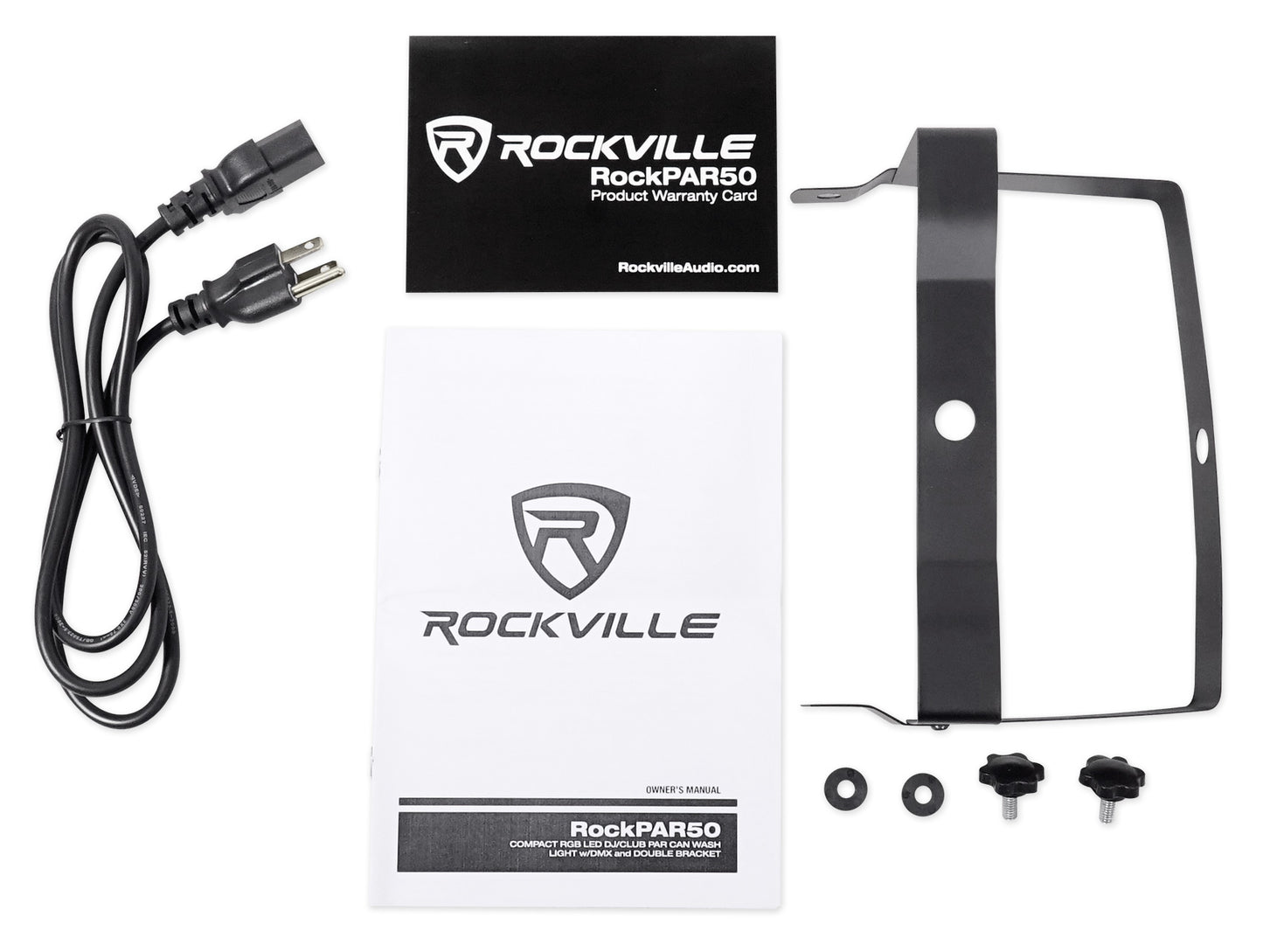
6-Pack Par Can Wash Light With DMX Control, Power Daisy Chaining, Includes Dual Bracket, Power Cable
Free Shipping
Features
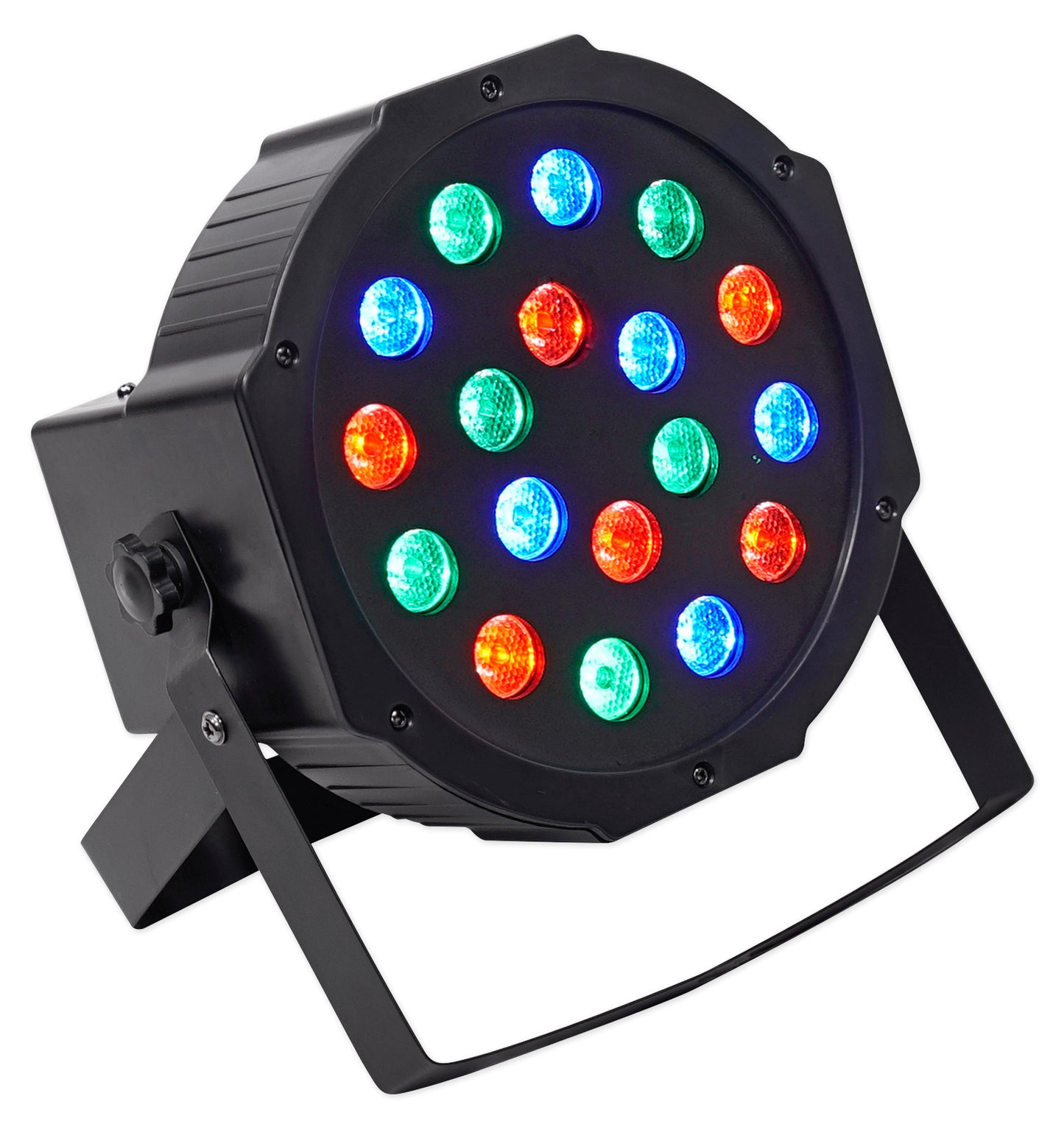
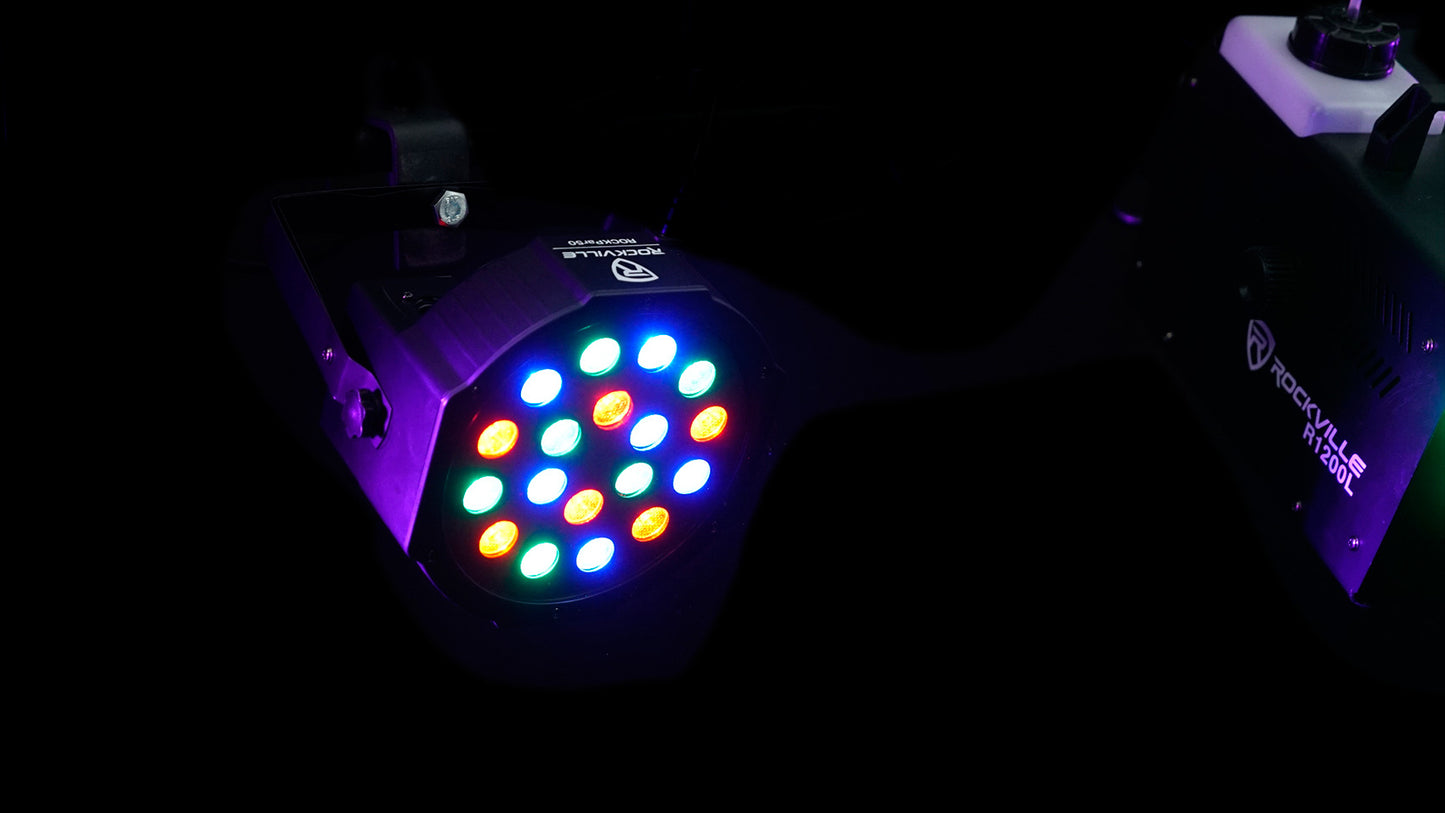
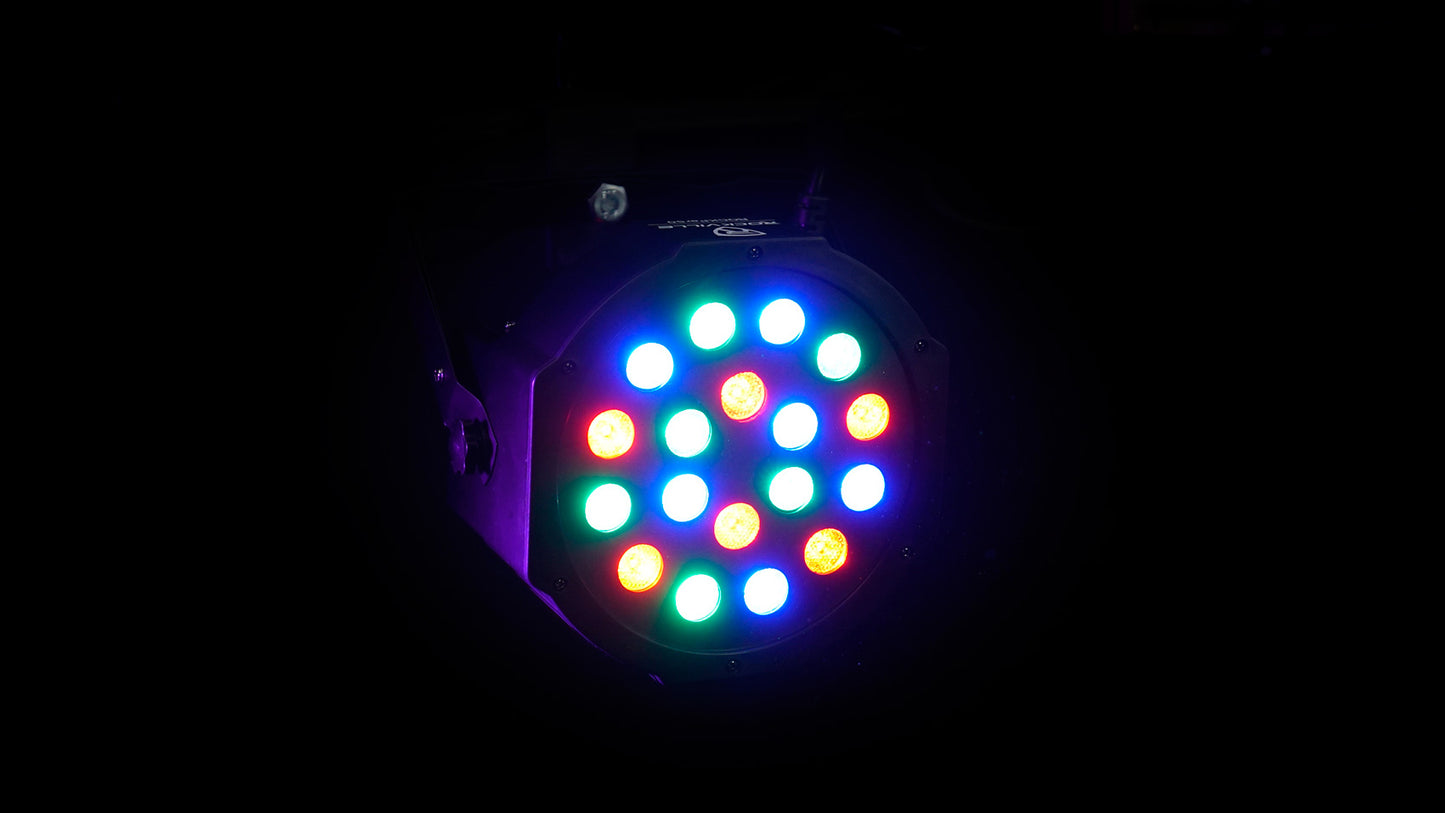
- Features 18 high-powered RGB LEDs
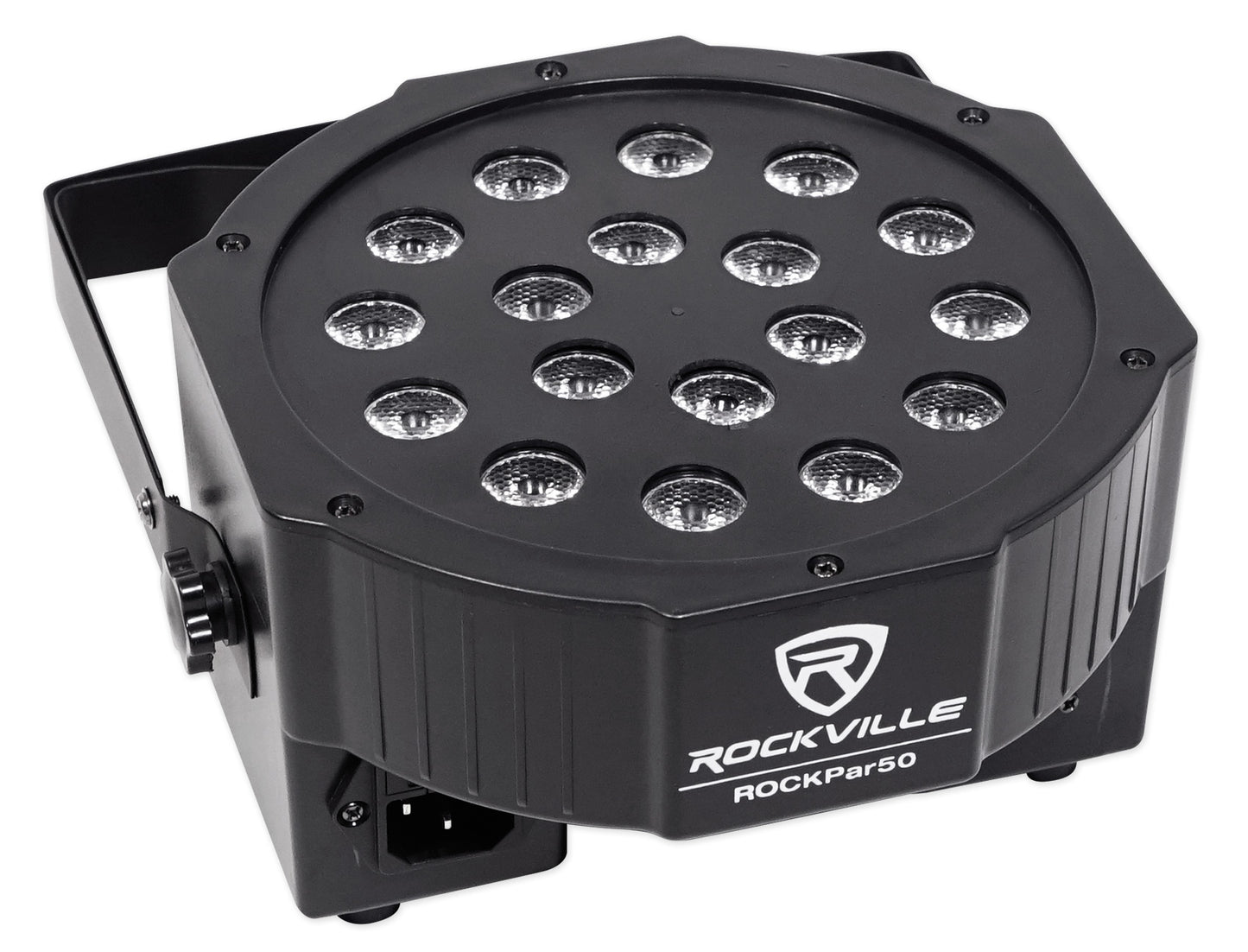
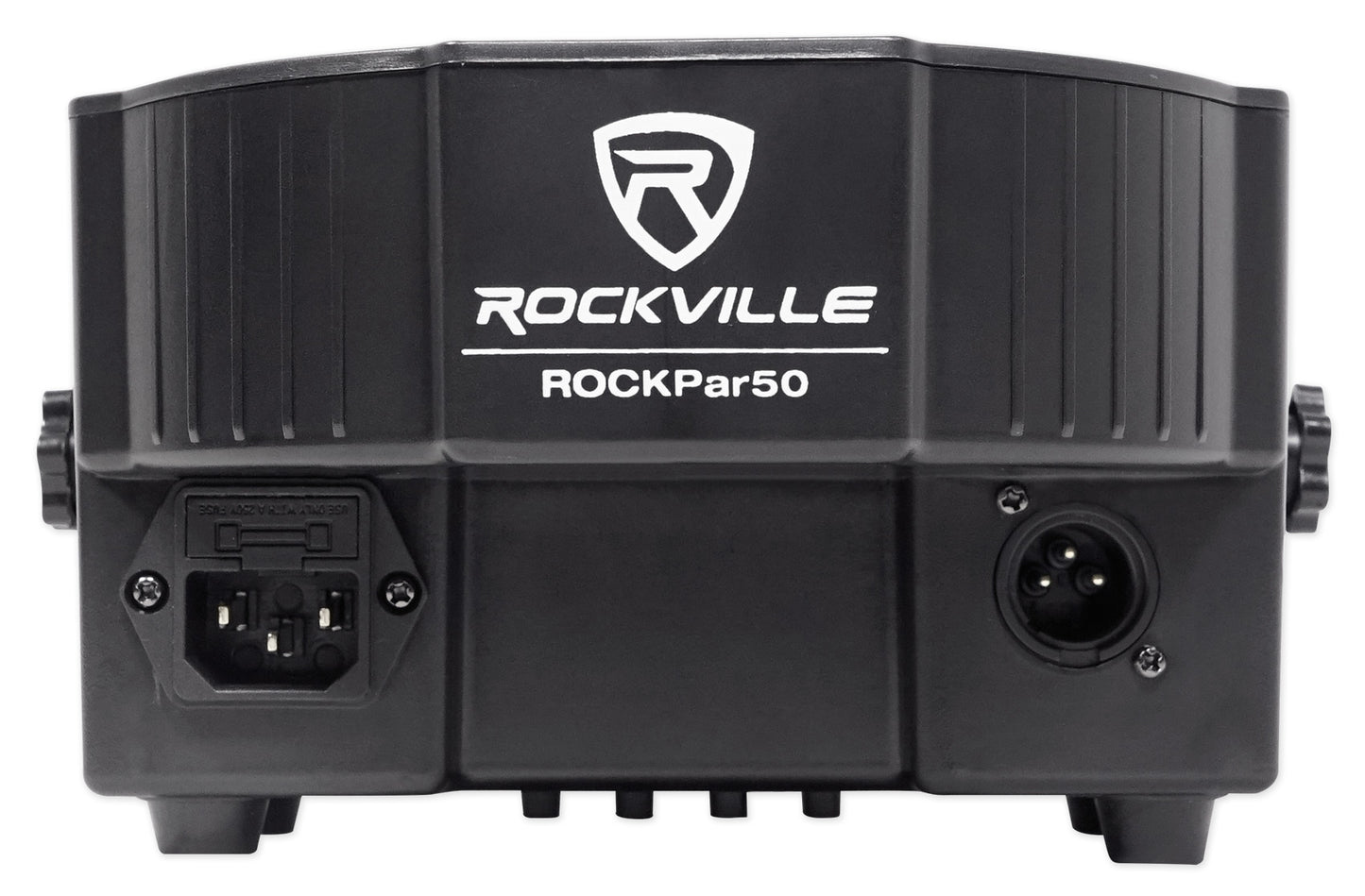
- Daisy-chaining connects lights through single outlet
- DMX control with 3 or 6 channels
- Sound-activated mode syncs lights with music
- Dual bracket functions as floor or stand mount
Couldn't load pickup availability
SKU: SKU: (6) RockPAR50
View full details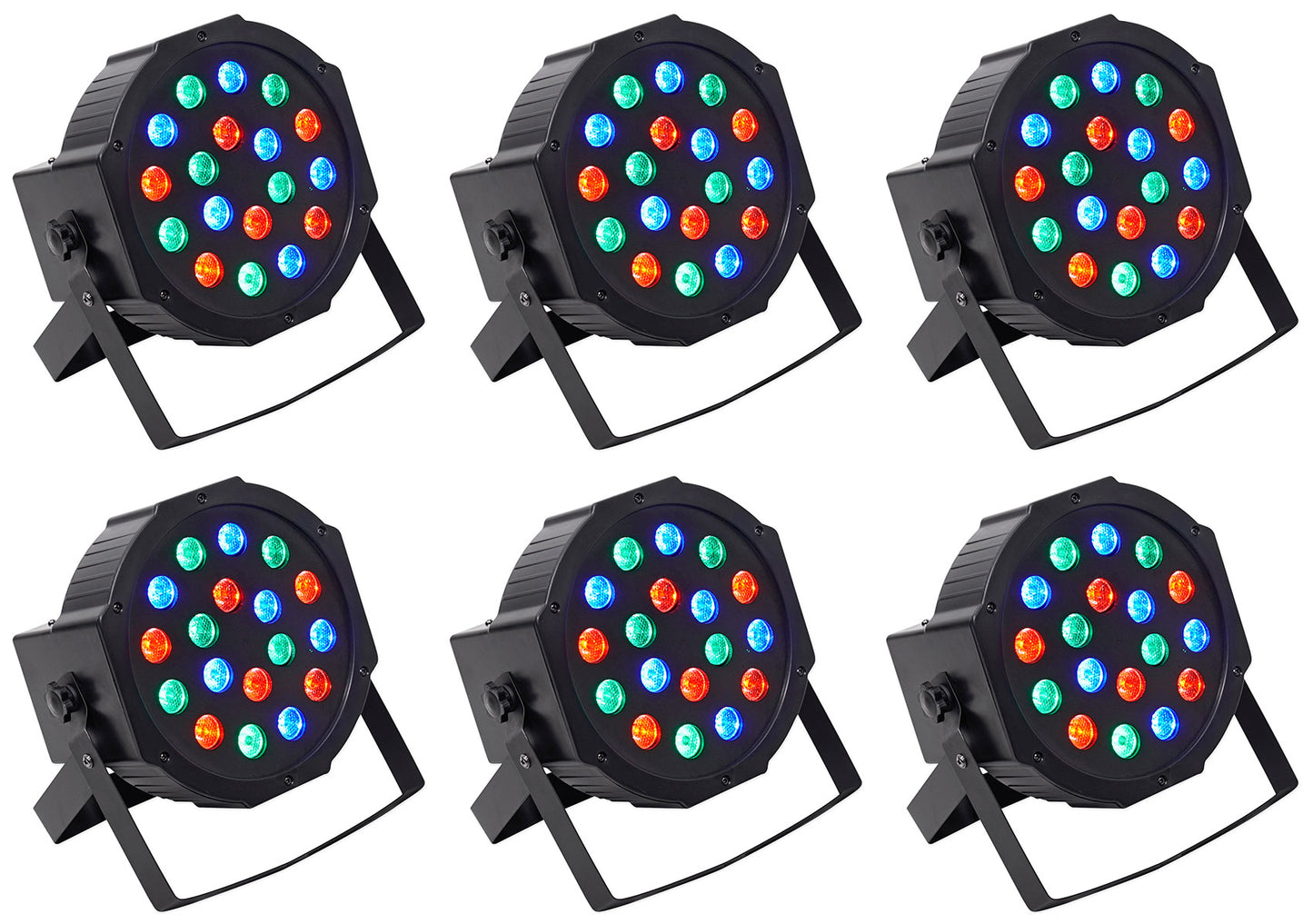
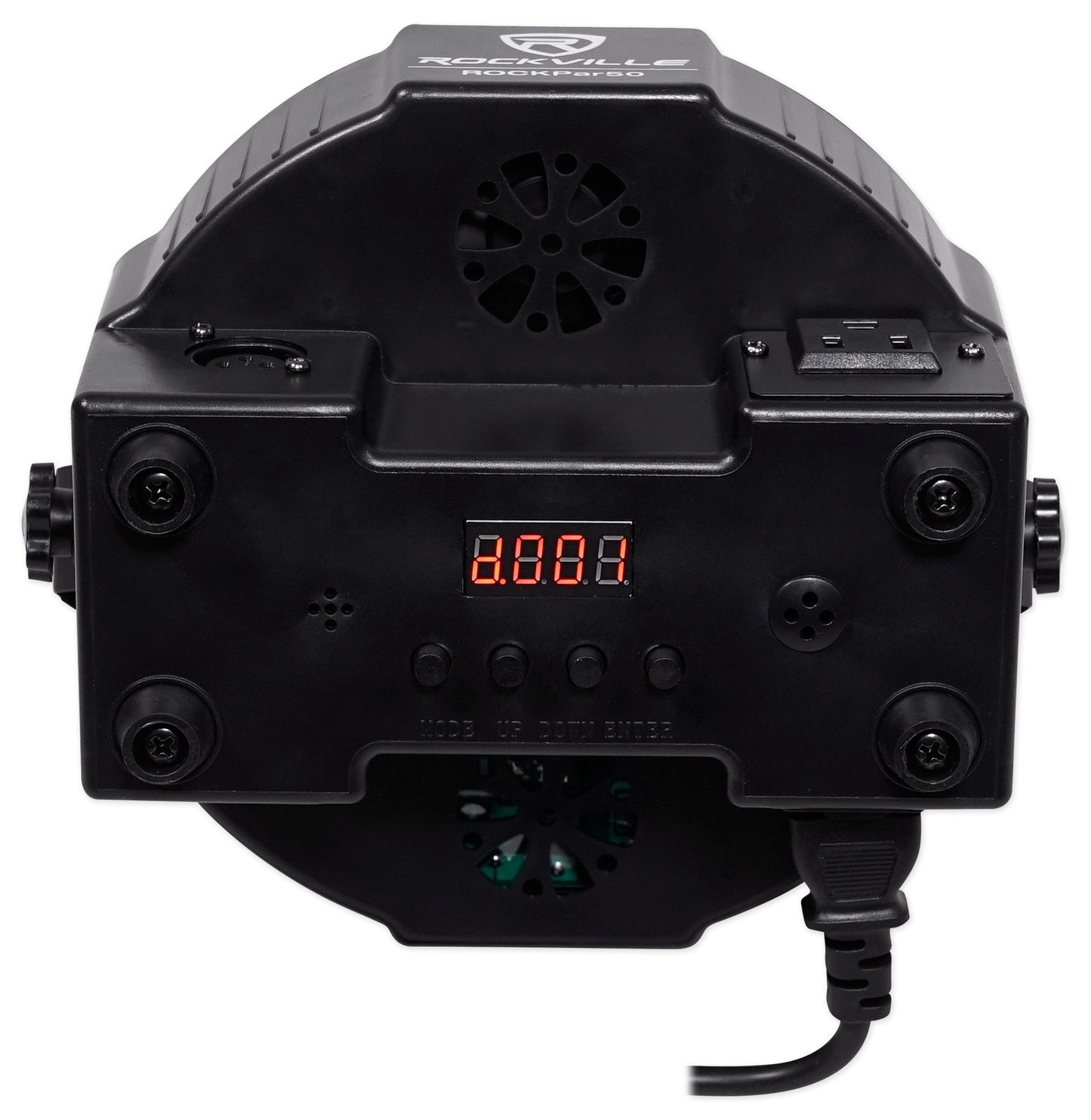
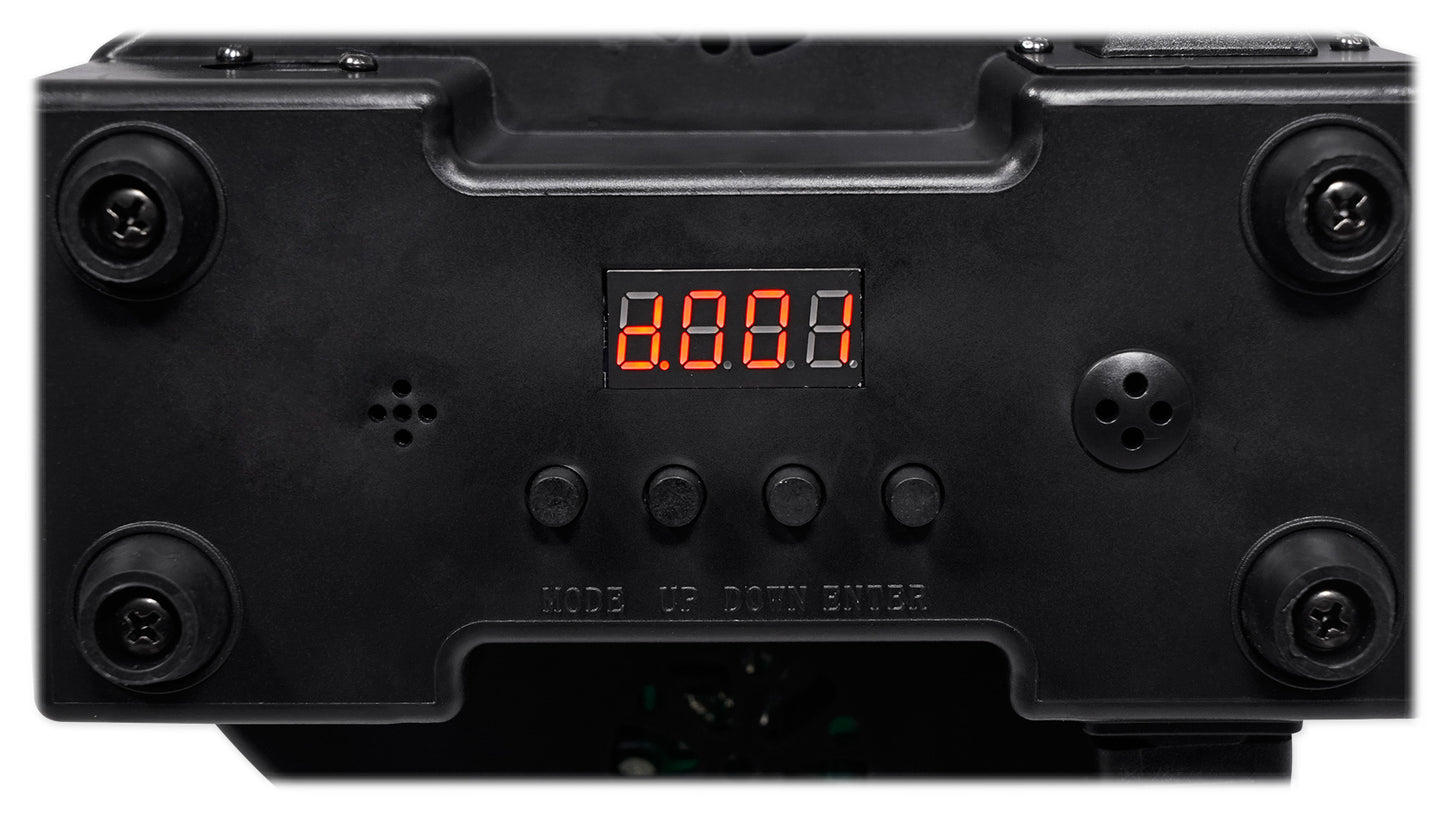
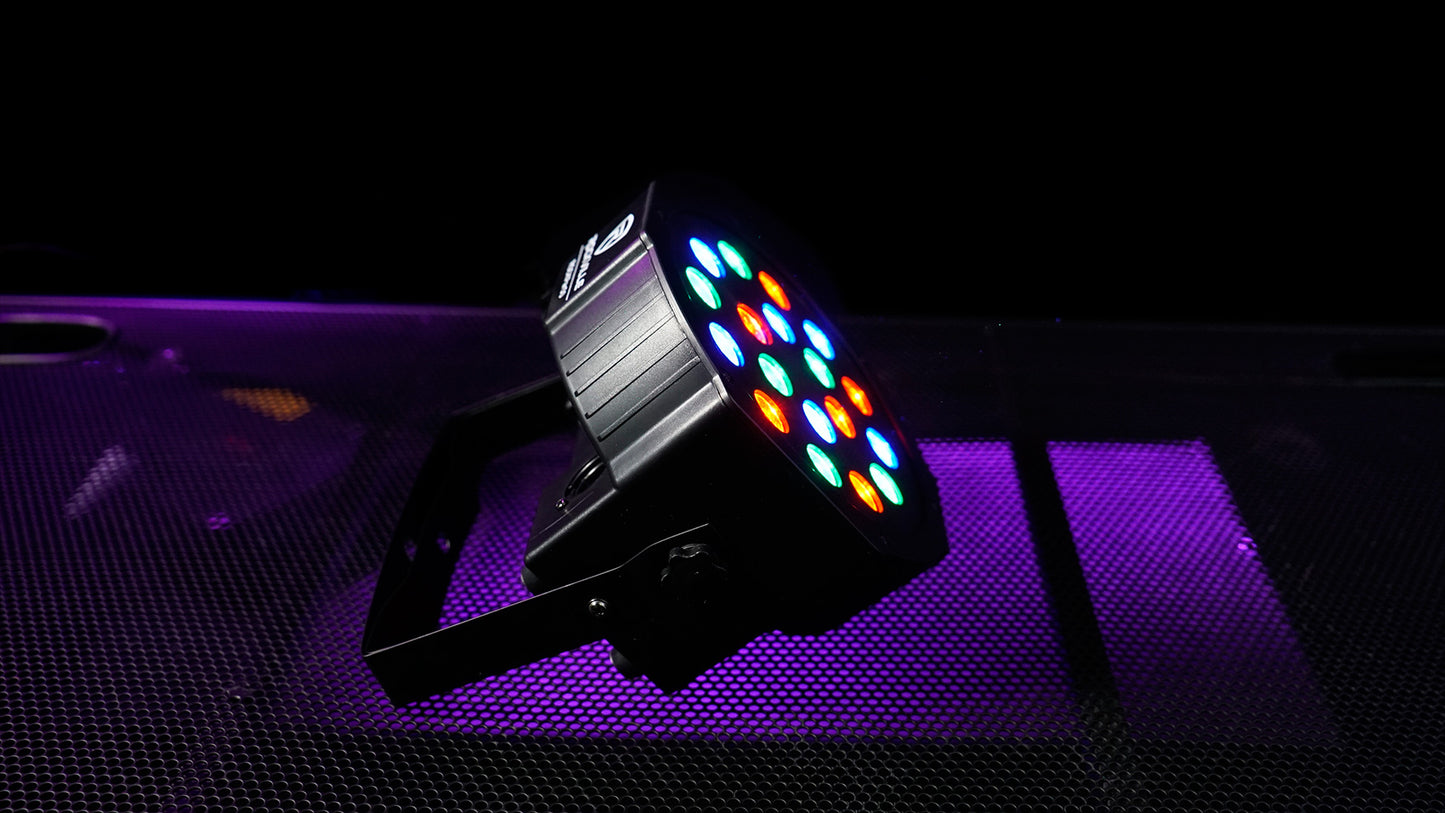
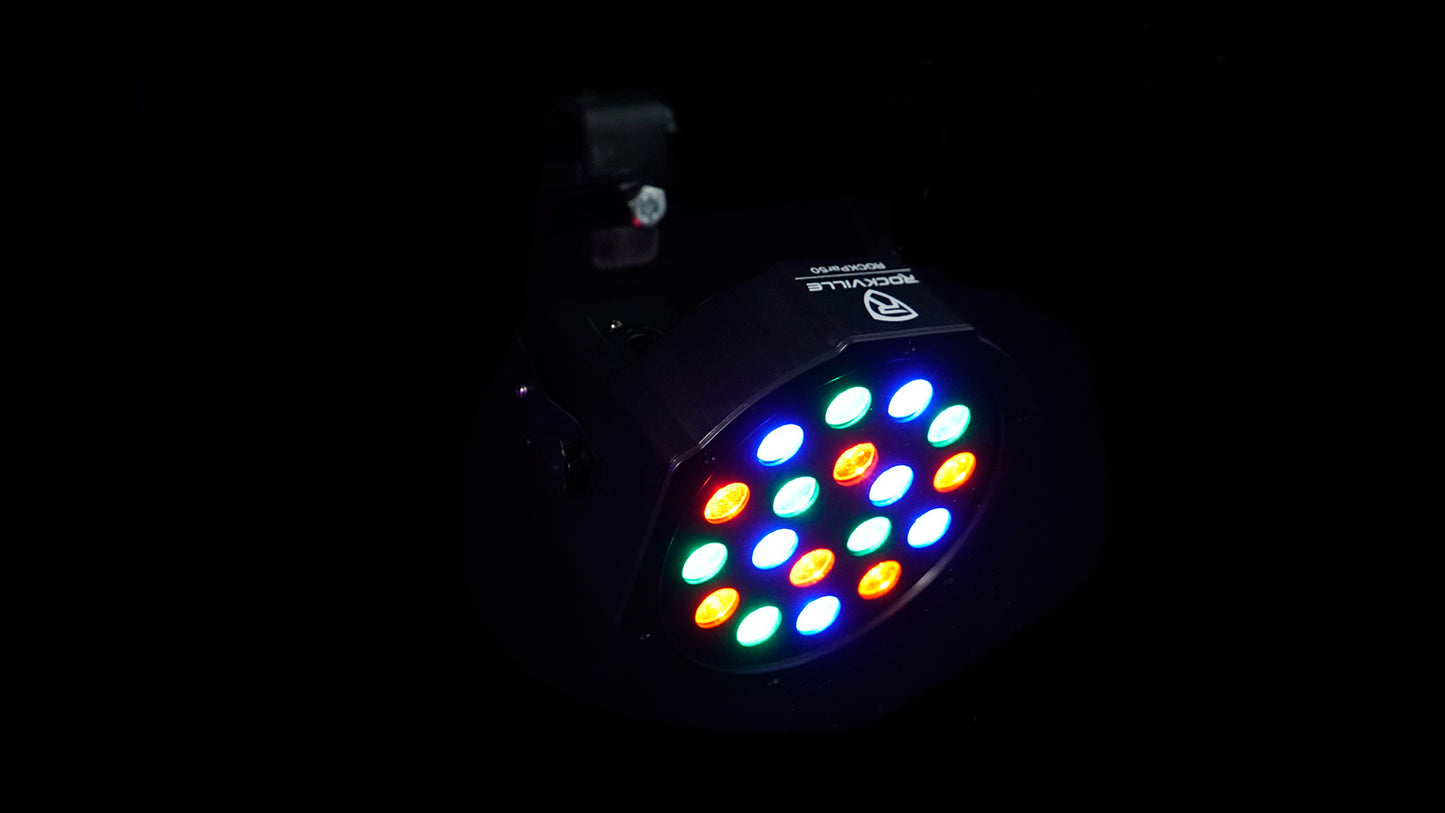

Product Details
Revolutionary Power Management
Comprehensive Control Options
Adaptable Design Excellence
Professional Reliability
Features
Power Daisy-Chaining Technology
Connect multiple lights through one outlet with its input/output design, eliminating the need for separate power sources.
Professional DMX Control
3 or 6-channel DMX capability with input/output connectivity allows control of multiple fixtures for coordinated lighting displays.
Superior LED Performance
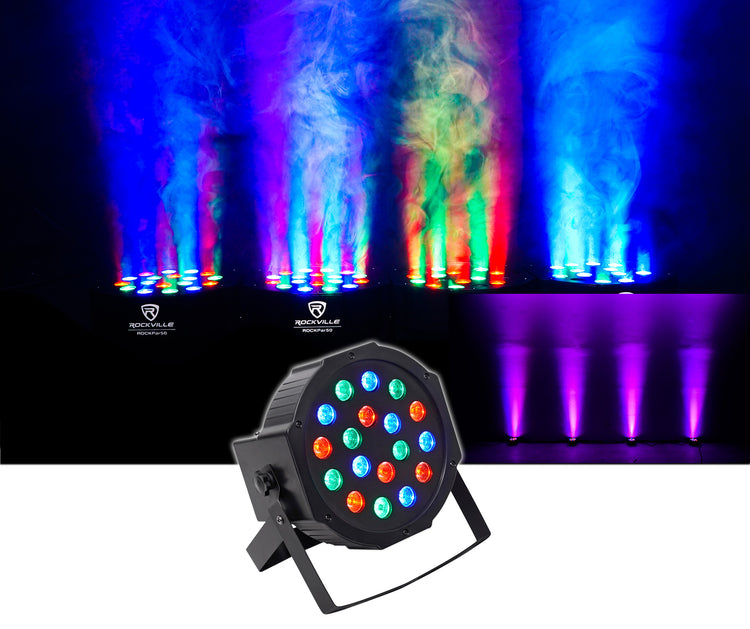
18 1-watt RGB LEDs deliver exceptional brightness and 16.7 million color variations with up to 100,000-hour lifespan.
Multiple Operation Modes
Sound-activated, master/slave, automated programs, and manual control options provide flexible operation for any event or installation.
Dual-Function Mounting System
Included bracket serves as both floor stand and hanging mount with adjustable beam angle for light positioning and distribution.
Technical Specifications
- Product Type Par Can Wash Light
- Light Source 18 LEDs (6 Red, 6 Green, 6 Blue)
- LED Power 1 Watt Per LED
- Total Power Consumption 24W
- Color Variations 16.7 Million
- DMX Channels 3 or 6 Channel Control
- Operation Modes Auto, Voice-Activated, Master-Slave, DMX512
- Dimmer Range 0-100%
- LED Lifespan 20,000 - 100,000 Hours
- Input Voltage 110-240V/50-60Hz
- IP Grade 20
- Weight 7.28 lb
- Dimensions 7.28" x 7.01" x 4.33"
Support
-
User Guide
Owner's Manual
Functions & Modes on Your ROCKPAR50 Explained
How To Position Your ROCKPAR50
How To Set Up DMX on Your ROCKPAR50
How to Set Up Master Slave Mode on Your ROCKPAR50
How To Set Up Your ROCKPAR50
How to setup your RockPAR50